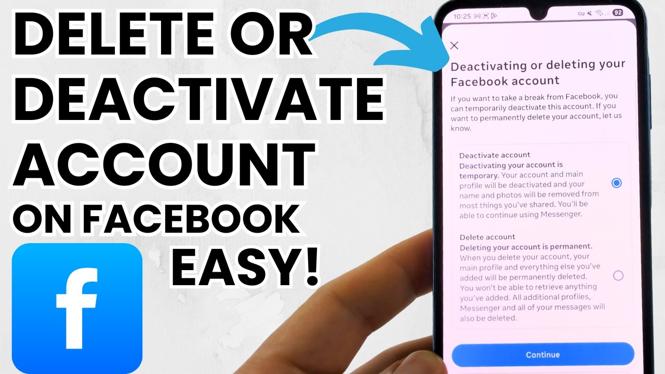
How to Deactivate or Delete Your Facebook Account
In today’s digital age, many people choose to take breaks from social media or even permanently remove their online presence. Facebook, being one of the largest social networks, offers options to either deactivate or delete your account. This blog post will guide you through the process of managing your Facebook account effectively, whether you want a temporary break or a complete removal of your online profile.
Why You Might Be Looking for This Tutorial
You may be considering deactivating or deleting your Facebook account for various reasons. Perhaps you’re feeling overwhelmed by social media, seeking privacy, or just want to take a break from the constant notifications and updates. Whatever the reason, navigating Facebook’s settings can be confusing. This tutorial will simplify the process and provide clear, step-by-step instructions for both iPhone and Android devices. Whether you wish to deactivate temporarily or delete your account permanently, you’ll find all the information you need right here.
Video Tutorial
Steps to Deactivate Your Facebook Account
- Open the Facebook app on your smartphone or go to the Facebook website on your computer.
- Log into your account if prompted.
- Click on the menu icon (three horizontal lines on the app or down arrow on the website).
- Scroll down and select “Settings & Privacy,” then click on “Settings.”
- In the settings menu, look for the “Your Facebook Information” section.
- Click on “Deactivation and Deletion.”
- Select “Deactivate Account” and then click “Continue to Account Deactivation.”
- Follow the on-screen instructions, providing a reason for deactivation if prompted, then click on “Deactivate.”
Steps to Permanently Delete Your Facebook Account
- Open the Facebook app or go to the website and log into your account.
- Access the menu and navigate to “Settings & Privacy” and then to “Settings.”
- Find the “Your Facebook Information” section.
- Click on “Deactivation and Deletion.”
- Select “Permanently Delete Account” and click “Continue to Account Deletion.”
- Follow the prompts to confirm your decision, including entering your password and selecting the option that best describes your reason for leaving.
- Finally, click on “Delete Account” to complete the process.
Conclusion
Whether you choose to deactivate your Facebook account temporarily or delete it permanently, it’s important to follow the provided steps carefully to ensure the correct outcome. Taking breaks from social media can be beneficial for your mental health, and permanently deleting your account is a significant step toward reclaiming your online presence. If you found this tutorial helpful, be sure to share it with others who may be looking to manage their Facebook accounts as well.
More Facebook Tips & Tutorials:
 Subscribe Now! 🙂

Discover more from Gauging Gadgets
Subscribe to get the latest posts sent to your email.