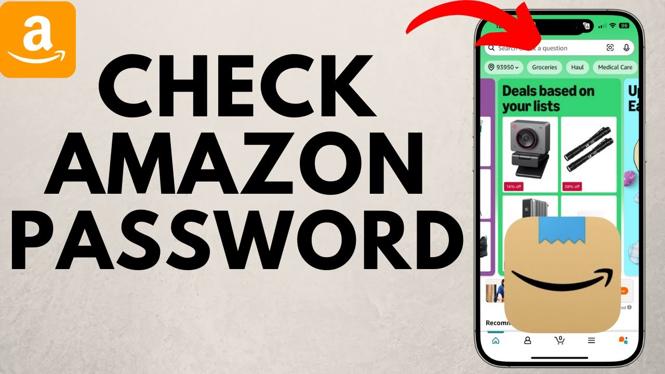
How to Check Your Amazon Password
In today’s digital age, remembering passwords can be quite a challenge, especially for platforms as crucial as Amazon. Whether you’re switching devices or simply forgotten your credentials, knowing how to check your Amazon password is essential for seamless access to your account. In this guide, we will explore various methods to retrieve your Amazon password on different devices, ensuring that you can shop and manage your account with ease.
Video Tutorial
Why You Might Be Looking for This Tutorial
There are several reasons why you might find yourself searching for a way to check your Amazon password:
- Forgotten Password: If you’ve forgotten your Amazon password and can’t log in, learning how to retrieve it can save you time and frustration.
- Multiple Devices: When switching to a new device, you may need to access your saved passwords for login.
- Password Management: Knowing where to find your saved passwords can help you efficiently manage your online accounts.
- Security Concerns: Understanding how to locate your passwords allows you to regularly check and update them for enhanced security.
Steps to Check Your Amazon Password
On iPhone
- Open the Settings app on your iPhone.
- Scroll down and tap on Passwords.
- Use Face ID or Touch ID to authenticate.
- In the search bar, type “Amazon” to locate your saved password.
- Tap on the Amazon entry to view your username and password.
On Android
- Open the Settings app on your Android device.
- Scroll down to find and select Google.
- Tap on Manage your Google Account.
- Select the Security tab.
- Under Password Manager, look for Amazon and tap on it to view your saved password.
On Samsung Devices
- Launch the Settings app.
- Scroll down and choose Biometrics and Security.
- Select Other Security Settings.
- Tap on Password Manager.
- Search for Amazon and select it to display your saved password.
Conclusion
Knowing how to check your Amazon password can be a lifesaver, especially in urgent situations where access is necessary. Whether you’re using an iPhone, Android, or a Samsung device, following the straightforward steps outlined in this tutorial will help you regain access to your account without hassle. Don’t forget to regularly update and manage your passwords for added security. Happy shopping!
More Amazon Tips & Tutorials:
 Subscribe Now! 🙂

Discover more from Gauging Gadgets
Subscribe to get the latest posts sent to your email.