How to Log Out of All Devices on Roblox Mobile App
Roblox is a popular gaming platform where users can create, share, and play games created by others. However, with the convenience of playing on multiple devices, there are times when you may need to log out of your account on all devices. Whether you’ve used a shared device or are concerned about unauthorized access, knowing how to log out of all devices on the Roblox mobile app is crucial. In this tutorial, we will guide you through the steps to quickly and efficiently secure your account.
Video Tutorial
Why You Might Be Looking for This Tutorial
There are several reasons why you might want to log out of all devices on Roblox:
- Shared Devices: If you’ve used a friend’s phone or a public device to access your account, it’s important to log out to protect your personal information.
- Security Concerns: If you suspect unauthorized access to your account, logging out from all devices ensures that your account remains secure.
- Account Management: Regularly managing your account by logging out of unused devices is a good practice to maintain control over your gaming account.
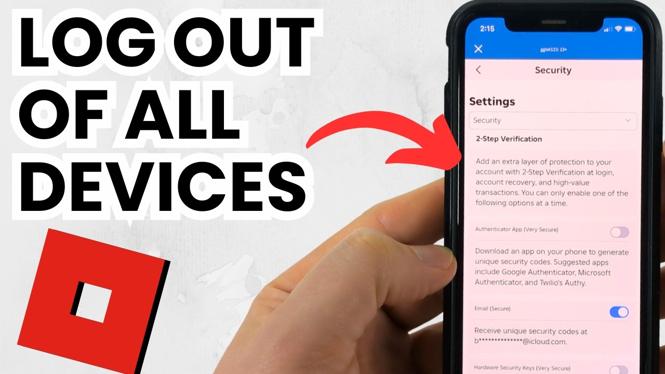
Steps to Log Out of All Devices on Roblox Mobile App
Follow these simple steps to log out of all devices using the Roblox mobile app:
- Open the Roblox App: Launch the Roblox application on your mobile device, either iPhone or Android.
- Access Account Settings: Tap on the three horizontal dots located at the bottom right corner of the screen to open the menu.
- Select Settings: From the menu, select ‘Settings’ to access your account settings.
- Log Out of Other Devices: Scroll down to find the option to ‘Log Out of Other Devices’ or ‘Account Log Out.’ Tap this option.
- Confirm Your Action: A confirmation prompt will appear. Confirm that you want to log out of all devices.
- Re-login If Necessary: If you need to continue using Roblox, simply log back in with your account credentials.
Following these steps will ensure that your Roblox account is secure and that you have logged out from any device that you no longer use. Regularly logging out from shared devices is a small but vital practice for maintaining your online security.
More Roblox Tips & Tutorials:
 Subscribe Now! 🙂

Discover more from Gauging Gadgets
Subscribe to get the latest posts sent to your email.