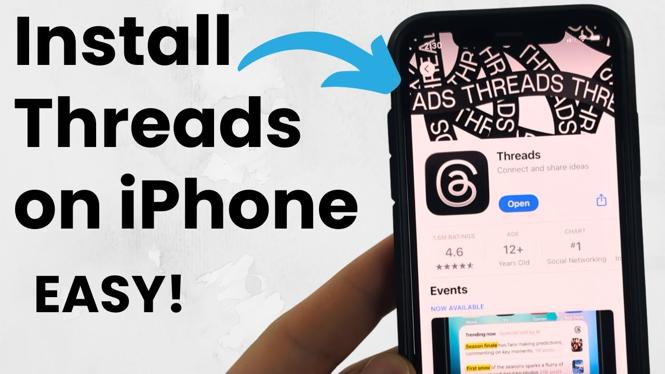
How to Install Threads App on iPhone
The Threads app has quickly become a popular platform for connecting with friends and engaging in conversations in a text-based environment. Developed by Meta, the app allows users to leverage their existing Instagram accounts for a seamless signup experience. If you are looking to dive into this new social media experience, you may be wondering how to install Threads on your iPhone and set up your account effortlessly. This guide will walk you through the straightforward process of downloading Threads from the App Store, so you can start enjoying the platform right away.
Video Tutorial
Why You Might Be Looking for This Tutorial
With the rise in interest around alternative social media platforms, users are seeking new ways to connect and communicate. The Threads app, with its easy integration with Instagram, offers a fresh way to share updates and engage with followers or friends. You might be looking for this tutorial if:
- You want to try out the Threads app without any technical hassle.
- You are an existing Instagram user and want to link your account for quick access.
- You enjoy staying connected to friends and want a new avenue for discussions and updates.
- You are interested in exploring Meta’s latest innovations in social media.
Steps to Install Threads App on Your iPhone
- Open the App Store: Locate the App Store icon on your iPhone’s home screen and tap to open it.
- Search for Threads: In the App Store, tap the search icon at the bottom of the screen, then type “Threads” in the search bar.
- Download the App: Once you find the Threads app in the search results, tap the “Get” button to download and install the app on your iPhone.
- Open Threads: After installation, you can open the app directly from the App Store or find it on your home screen.
- Log In with Instagram: On the home screen of the Threads app, select the option to log in using your Instagram account. Follow the prompts to authenticate and grant necessary permissions.
- Set Up Your Profile: After logging in, follow the on-screen instructions to customize your profile, including adding a bio and profile picture.
- Start Connecting: Once your profile is set up, you can start following friends, joining conversations, and exploring content that matters to you.
Now that you have the Threads app installed on your iPhone, you can easily engage with your community and share your thoughts in a new way. Enjoy your journey on this innovative platform!
More iPhone Tutorials:
 Subscribe Now! 🙂

Discover more from Gauging Gadgets
Subscribe to get the latest posts sent to your email.