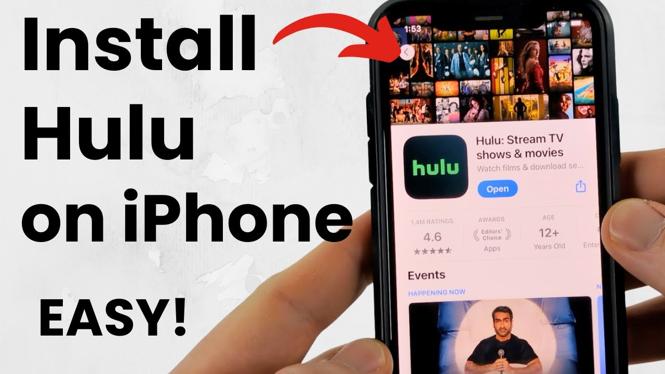
How to Install Hulu App on iPhone
If you love streaming your favorite shows and movies, having the Hulu app on your iPhone is a must. In this blog post, we will guide you step-by-step on how to install the Hulu app quickly and easily. By following these instructions, you’ll be able to dive into your favorite content in no time.
Video Tutorial
Why You Might Be Looking for This Tutorial
With the rise of streaming services, many users are looking to enhance their entertainment experience on the go. The Hulu app allows you to access thousands of TV shows, movies, and original content right from your iPhone. Whether you’re a new user eager to explore a new streaming service or someone who has recently switched to iPhone, this tutorial will help you get the app installed and set up. Additionally, installing streaming apps can sometimes be a bit confusing, especially for first-time users or those who have not used the App Store extensively.
Steps to Install the Hulu App on Your iPhone
- Open the App Store: Locate the App Store icon on your iPhone’s home screen and tap it to open.
- Search for Hulu: Tap on the search icon at the bottom of the screen, then type “Hulu” in the search bar and press search.
- Select the Hulu App: From the list of results, find the official Hulu app and tap on it to open its download page.
- Download the App: Tap on the “Get” button or the download icon to begin the installation process. You may need to enter your Apple ID password or use Face ID/Touch ID for verification.
- Open the App: Once the app is downloaded, you can open it directly from the App Store or find it on your home screen.
- Sign In or Create an Account: If you already have a Hulu account, sign in with your credentials. If you are new to Hulu, follow the prompts to create an account and choose your subscription plan.
- Start Streaming: After logging in, you can start browsing Hulu’s extensive library of content and begin streaming your favorite shows and movies.
Conclusion
Installing the Hulu app on your iPhone is a straightforward process that enhances your entertainment choices. With the app installed, you’ll have access to a vast array of content right at your fingertips. Follow the steps in this guide to enjoy ad-free streaming and binge-worthy series in no time.
More iPhone Tutorials:
 Subscribe Now! 🙂

Discover more from Gauging Gadgets
Subscribe to get the latest posts sent to your email.