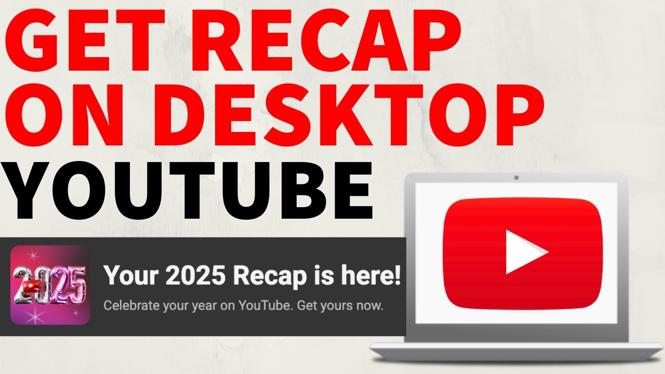
How to Get YouTube Recap 2025 on Desktop PC, Laptop, Mac, Chromebook
YouTube Recap offers a personalized look back at your viewing habits for the year, showcasing your most-watched videos, favorite creators, and listening trends. This feature allows you to reflect on what you enjoyed most throughout the year. In this blog post, we will walk you through the steps to access your YouTube Recap for 2025, troubleshooting tips if the recap does not show up, and how to navigate through different devices including desktop PCs, laptops, Macs, and Chromebooks.
Video Tutorial
Why You Might Be Looking for This Tutorial
Every year, YouTube provides users with a unique recap that summarizes their viewing experiences. You might be looking for this tutorial for several reasons:
- You want to reminisce about your favorite videos and creators from the past year.
- You are unsure how to find the recap feature on your device.
- You are facing issues with the recap not displaying on your YouTube account.
- You’re eager to share your recap with friends or on social media.
Steps to Access Your YouTube Recap 2025
- Sign in to Your YouTube Account: Open your web browser and go to the YouTube website. Sign in using the account linked to your YouTube Recap.
- Navigate to the Recap Section: Once signed in, look for a notification or banner that indicates your YouTube Recap is available. This is typically prominently displayed near the top of the homepage or in the notifications area.
- Check Your YouTube Stats: Click on the Recap banner to view your personalized statistics. You will see a summary of your viewing habits, including your top videos, favorite creators, and general trends in your watching history.
- Accessing via Different Devices: If you are using a laptop, Mac, or Chromebook, the steps are the same. Just ensure you are signed into the same account on the respective device.
Troubleshooting Tips for YouTube Recap 2025 Not Showing
If your YouTube Recap is not showing, try the following steps:
- Ensure you are signed into the correct YouTube account.
- Clear your browser’s cache and cookies to refresh your session.
- Check for updates or issues with your YouTube app if using a mobile device.
- If the recap is still not available, it might take some time for YouTube to generate it. Try checking back later.
Conclusion
Accessing your YouTube Recap for 2025 is a straightforward process that allows you to celebrate your viewing habits and enjoy a summary of your year. Whether you’re on a PC, laptop, Mac, or Chromebook, these steps will guide you through the process. Don’t forget to check the video tutorial above for additional visual guidance and tips!
More YouTube Tips & Tutorials:
 Subscribe Now! 🙂

Discover more from Gauging Gadgets
Subscribe to get the latest posts sent to your email.