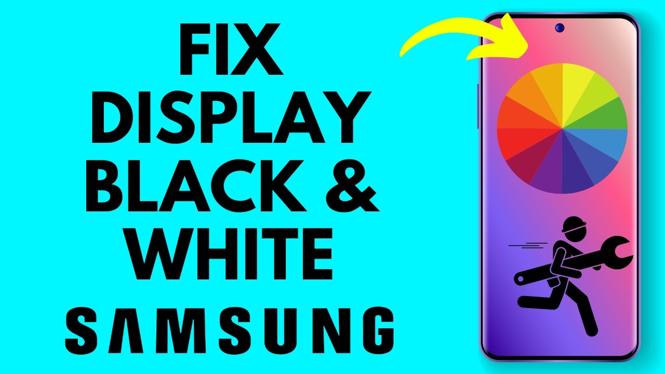
How to Fix Display Black and White on Samsung Phone
If you’ve noticed that your Samsung phone’s display is stuck in black and white, it can be quite frustrating. This issue is often caused by accidentally enabling grayscale mode, a feature designed for better accessibility or reduced eye strain. Fortunately, fixing this problem is quick and easy, and you don’t need to resort to any complicated repairs or factory resets. In this guide, we’ll walk you through the simple steps to restore your device’s vibrant colors.
Video Tutorial
Why You Might Be Looking for This Tutorial
Many Samsung users might find themselves in a situation where their phone display has unexpectedly shifted to black and white. This can create confusion and concern, especially if you rely on your device for photography or social media. Users typically search for solutions to restore color due to:
- Accidental activation of grayscale mode.
- Wanting to enhance visual experience on their device.
- Instagram or other apps being less engaging without color.
- Needing to quickly fix an issue before important tasks or meetings.
Steps to Fix Black and White Display on Samsung Phone
Follow these straightforward steps to turn off grayscale mode and get your Samsung phone display back to full color:
- Open Settings: Unlock your Galaxy device and swipe down from the top of the screen to access the notification panel. Tap the gear icon to open the Settings menu.
- Access Accessibility Settings: Scroll down and select “Accessibility.” This section contains various features designed to assist users with different needs.
- Select Visibility Enhancements: In the Accessibility menu, look for “Visibility enhancements” or “Vision.” Tap on it to access more options.
- Turn Off Grayscale: If grayscale mode is enabled, you will see an option for it. Toggle the switch to off. This should restore your screen’s colors immediately.
- Check Your Screen: Go back to your home screen and check if the display is back to normal. If it’s still in black and white, restart your device and check again.
Conclusion
Being stuck with a black-and-white display can hinder your experience with your Samsung phone. Thankfully, turning off grayscale mode is a simple process that can be completed in just a few minutes. Now that you’re equipped with this knowledge, you can easily solve this issue and enjoy the full color of your Samsung device once again.
More Samsung Phone Tips & Tutorials:
 Subscribe Now! 🙂

Discover more from Gauging Gadgets
Subscribe to get the latest posts sent to your email.