How to Fix Display Black and White on iPhone
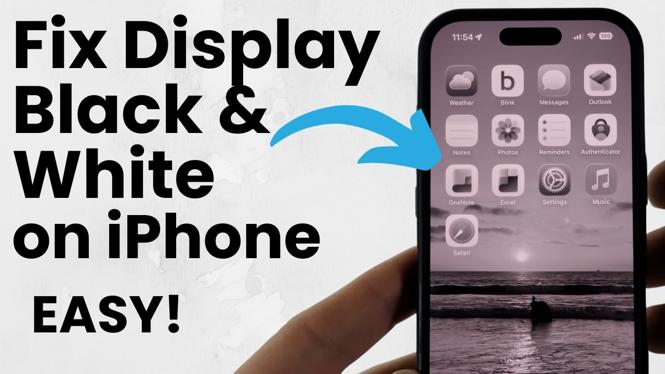
Is your iPhone display stuck in black and white? This issue can be frustrating and may affect your overall user experience. Fortunately, restoring your iPhone’s full-color display is a straightforward process. In this guide, we’ll show you how to turn off Grayscale mode and adjust your display settings in just a few simple steps, ensuring you don’t need to visit an Apple Store or incur any repair costs.
Video Tutorial
Why You Might Be Looking for This Tutorial
There are several reasons why your iPhone may suddenly switch to a black and white display. This often occurs accidentally by enabling the Grayscale mode or through specific accessibility settings. Many users might not realize how these settings can be adjusted, leading to the need for a simple tutorial. If you want your iPhone display to showcase the vibrant colors it is known for, following these steps will resolve the issue quickly and efficiently.
Steps to Fix iPhone Display Stuck in Black and White
- Open Settings: Begin by tapping on the ‘Settings’ app on your iPhone.
- Accessibility: Scroll down and select ‘Accessibility’ from the list of options.
- Display & Text Size: Tap on ‘Display & Text Size.’
- Color Filters: Look for the ‘Color Filters’ option and tap on it.
- Toggle Off Grayscale: If the ‘Color Filters’ switch is turned on, toggle it off. If Grayscale is selected, uncheck that option.
- Return to Home Screen: Exit the settings menu to return to your home screen. Your iPhone display should now be back to its full-color mode.
Final Thoughts
Restoring the color display on your iPhone is a quick and simple process that can greatly enhance your user experience. Following the aforementioned steps should solve any issues related to a black and white screen. If you continue to experience problems, it may be worth looking into other settings or directly contacting Apple support for further assistance. Enjoy your colorful iPhone display!
More iPhone Tutorials:
 Subscribe Now! 🙂

Discover more from Gauging Gadgets
Subscribe to get the latest posts sent to your email.