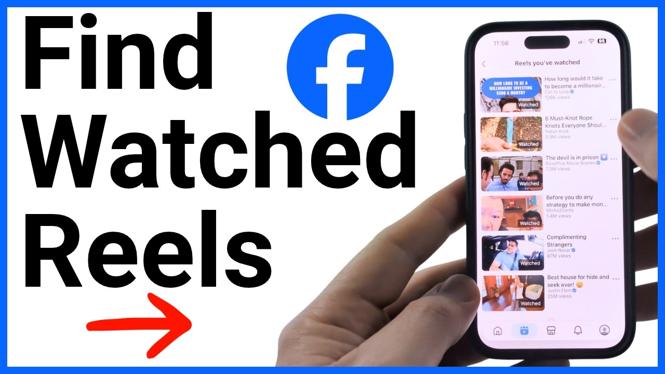
Facebook keeps a Reels history that lets you reopen videos you watched earlier. You do not need to remember the creator’s name or search for the Reel again. Open the Reels section, then use the profile-style person icon to get to History.
Video Tutorial
Open your Facebook Reels history
This works from the Facebook app on iPhone, Android phones, and Samsung phones. The important part is starting inside Facebook Reels, not from a post in your regular Feed.
- Open the Facebook app on your phone.
- Select the Reels icon in the bottom menu.
- Open any Reel if one is not already playing.
- Look in the top-right corner for the small person icon.
- Select the person icon, then choose History.
You should now see the Reels you have watched. This is useful when you scrolled past a recipe, product, joke, tip, or other video and want to get back to it without trying to locate it through search.
If you do not see the person icon
The controls can disappear while a Reel is playing. Tap the video once to bring the on-screen menu back. Then check the top-right area again for the person icon.
Make sure you are viewing a Reel in the Reels section before looking for it. The history option shown in this method is accessed from the Reels screen. If you are on the main Facebook Feed, move back to Reels using the bottom menu and open a video there.
Facebook can show icons slightly differently depending on your device or app version, but the key controls demonstrated are the person icon followed by History. Once you open History, you can browse the list of previously watched Reels.
Rewatch a Reel from History
Each item in your Facebook Reels history is a video you can open again. You do not need to manually copy a link or search for the account that posted it.
- Go to Reels in the Facebook app.
- Select the person icon in the top-right corner.
- Select History.
- Browse through the Reels in the list.
- Select a Reel to open it and start playing it again.
If you have watched several videos in a row, take a moment to scan the thumbnails before opening one. You can return to the history list and select another Reel if the first result is not the video you wanted.
Use the list controls in Reels History
Within the history screen, you can also select the three lines control shown with the history list. From there, select a Reel in the list to open and play it. This gives you another way to move through the Reels you watched.
Keep in mind that opening a Reel from History plays that Reel again. It is a quick way to revisit something you only saw briefly while scrolling, especially if you did not like, comment on, save, or share it at the time.
Share a Reel you found again
After you reopen the Reel you wanted, you can share it directly from the Reel’s menu.
- Open the Reel from your History.
- Select the three dots on the Reel.
- Select Share video.
This is helpful when you found a Reel earlier but were not ready to send it to someone. First use your Facebook Reels history to reopen it, then use Share video when you are ready.
Quick path to remember
The path is simple: Facebook app > Reels > person icon > History. If the person icon is hidden, tap the Reel to show the controls. From History, select any Reel to watch it again, or open its three-dot menu and choose Share video.
Using this Reels history saves time when a video disappears before you can interact with it. Instead of trying to recreate what you saw in Facebook search, return to the History list and reopen the Reel from there.
More Facebook Tips & Tutorials:
 Subscribe Now! 🙂


Discover more from Gauging Gadgets
Subscribe to get the latest posts sent to your email.