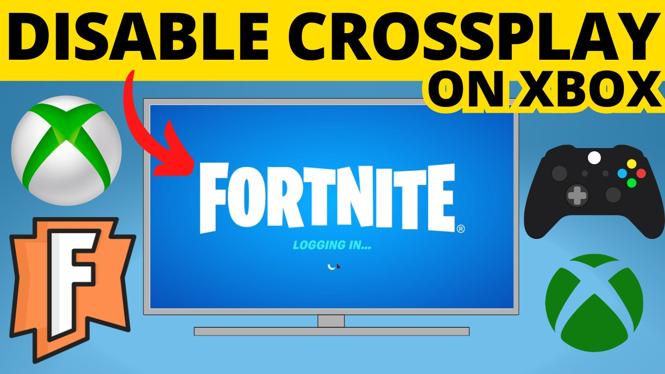
How to turn off crossplay in Fortnite on Xbox? In this full guide, I show you how to disable Fortnite crossplay on Xbox Series X, Xbox Series S, and Xbox One. Fortnite crossplay allows your Xbox to play with people on other devices such as PC or PS5. This means you can easily turn off cross play in Fortnite on Xbox to stop playing Fortnite with PC players.
Turn Off Crossplay in Fortnite on Xbox X & S (Video Tutorial):
Follow the steps below to turn off cross play in Fortnite on Xbox:
- Open the settings on your Xbox.
- Once in the Xbox settings select Online safety & family under the General.
- Select Privacy & online safety then select Xbox Privacy.
- Scroll down and select View details & customize.
- Scroll down and select Communication & multiplayer.
- Select block under the section labeled You can join cross-network play.
More Fortnite Tips & Tutorials:
 Subscribe Now! 🙂
1
/
4


How to Download Fortnite on iPhone - 2026
How to See Footsteps in Fortnite
How to Turn On Anonymous Mode in Fortnite - 2026
How to Add Friends on Fortnite - Xbox, PC, Switch & PlayStation
How to Turn On Fortnite Voice Chat - Enable Voice Chat in Fortnite
How to See Career Fortnite Stats - View Entire Career Stats on Fortnite
How to Turn Off Controller Vibration on Fortnite - 2026
How to Fix Can't Receive Gifts in Fortnite
How to See FPS on Fortnite - Show FPS in Fortnite Setting
How to Turn Off Aim Assist in Fortnite
How to Turn Off Copyrighted Music & Emotes in Fortnite
How to See Ping on Fortnite - Show Ping in Fortnite Setting
How to Turn On Aim Assist in Fortnite
How to Turn Off Sleep Mode in Fortnite - Disable Fortnite Sleep Mode
How to Download Fortnite on Windows PC & Laptop - Free 2026
1
/
4
Discover more from Gauging Gadgets
Subscribe to get the latest posts sent to your email.