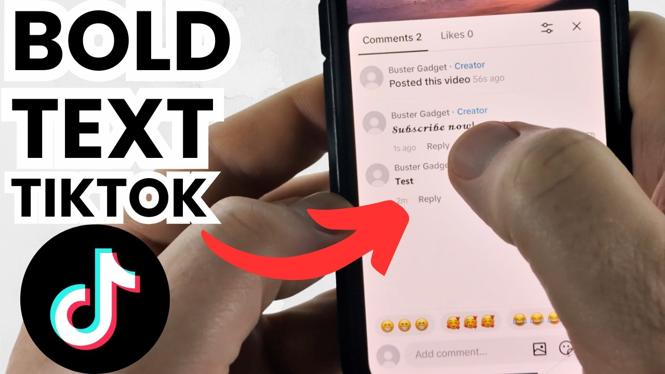
How to Make Bold Text on TikTok Comments
Are you looking to enhance your TikTok comments and make them stand out? With the increasing popularity of TikTok, it’s essential to grab attention in the comments section. One effective way to do this is by using bold text. In this tutorial, we will specifically guide you on how to type in bold on TikTok comments in 2026, helping you create bold letters and eye-catching font styles.
Why You Might Be Looking for This Tutorial
In today’s fast-paced social media world, standing out is crucial. TikTok is inundated with countless comments, and having your comments be bold and noticeable can significantly attract attention. Whether you’re a content creator wanting to engage your audience more effectively or a user wishing to amplify your opinions, knowing how to format your comments can enhance your TikTok experience. This tutorial will simplify the process, allowing you to make a lasting impression with your comments.
Steps to Create Bold Text on TikTok Comments
- Begin with the TikTok App: Open the TikTok app on your mobile device.
- Select a Video: Find a video where you would like to leave a comment.
- Open the Comment Section: Tap on the comment icon located on the right side of the screen.
- Write Your Comment: Begin typing your comment as you normally would.
- Make Your Text Bold: To create bold text, you will typically need to use specific formatting options available through text editing tools or special keyboard characters, as TikTok does not natively support bold text in the comment section.
- Post Your Comment: Once you have formatted your comment to your satisfaction, hit ‘Post’ to share it with others.
Video Tutorial
By following this guide, you will be able to make your comments not only more visible but also more engaging. Try out these steps today and see how bold text can transform your interactions on TikTok!
More TikTok Tips & Tutorials:
 Subscribe Now! 🙂

Discover more from Gauging Gadgets
Subscribe to get the latest posts sent to your email.