How to FIX All Roku TV Problems, Issues, or Not Working
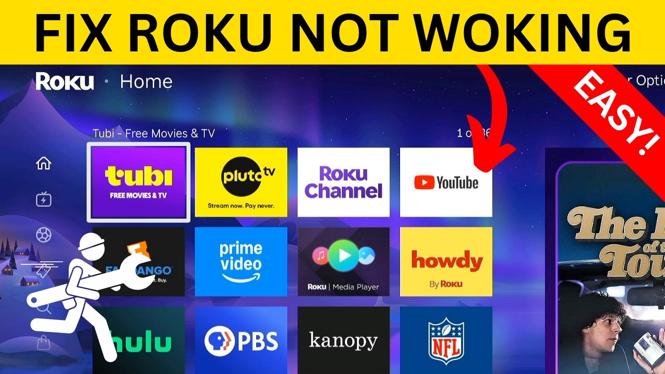
Is your Roku TV giving you trouble? Many users encounter issues such as glitches, freezing, buffering, or even a black screen. Fortunately, you can quickly troubleshoot and fix these problems by performing a hard reset on your Roku TV. This step-by-step guide will walk you through the process, enabling you to resolve virtually any Roku TV issue without the need for professional support or device replacement.
Video Tutorial
Why You Might Be Looking for This Tutorial
While Roku TVs offer an array of fantastic streaming services and features, they can sometimes falter due to various technical issues. Users might find themselves frustrated when their streaming stops suddenly, or when their screen goes dark. This tutorial is designed for individuals who want to regain control of their viewing experience quickly and efficiently, restoring their Roku devices to peak performance with minimal hassle. Whether you’re a tech novice or an experienced user, our guide will provide you with the essential steps to troubleshoot and resolve common Roku TV problems.
Steps to Fix Your Roku TV Issues
- Identify the Problem: Before proceeding with the hard reset, determine the specific issues you are experiencing. Common problems include freezing, buffering, a black screen, or audio issues.
- Perform a Soft Reset: Sometimes, restarting your Roku TV can resolve minor glitches. Unplug the TV from the power source, wait for 10 seconds, and then plug it back in.
- Check for Updates: Ensure your Roku TV is running the latest software. Go to Settings > System > System update to check for updates and install if necessary.
- Perform a Hard Reset: If the problem persists, perform a hard reset. Locate the reset button on your Roku TV (often found on the back or the bottom). Press and hold the reset button for about 10 seconds until you see the Roku logo on the screen.
- Reconfigure Your Roku Account: After the reset, you will need to set up your Roku TV again. Follow the on-screen instructions to link your Roku account.
- Test Your TV: Once the setup is complete, test your TV to ensure everything is functioning correctly. Check various channels and settings to confirm that your issues have been resolved.
Conclusion
Fixing your Roku TV doesn’t have to be an overwhelming task. By following these simple steps, you can troubleshoot and resolve most issues easily. Regular maintenance and updates will keep your streaming experience smooth and enjoyable. If problems persist even after a hard reset, consider reaching out to Roku customer support for further assistance.
More Roku Tips & Tutorials:
 Subscribe Now! 🙂

Discover more from Gauging Gadgets
Subscribe to get the latest posts sent to your email.