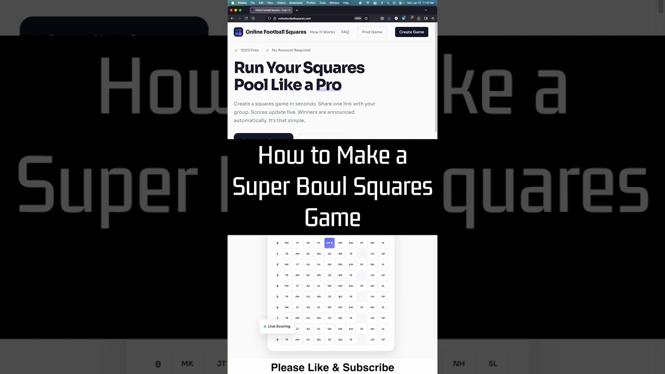
How to Make Super Bowl Squares Game Online
The Super Bowl is one of the biggest sporting events in the world, and what better way to elevate the excitement than by organizing a Super Bowl Squares game? With the convenience of the internet, you can easily create a football squares pool online without the hassle of downloading apps or paying for subscriptions. This guide will provide you with everything you need to know to set up your own Super Bowl Squares game, ensuring that your friends and family can enjoy the fun from the comfort of their own homes.
Why You Might Be Looking for This Tutorial
If you’re searching for instructions on how to create a Super Bowl Squares game online, it’s likely because you’re looking to add an extra layer of excitement to your Super Bowl party or event. Perhaps you’ve been tasked with organizing the game, or maybe you want to set it up to engage friends and family who can’t be there in person.
By creating an online Super Bowl Squares pool, you make it easy for everyone to participate regardless of their location. This tutorial will guide you through a simple, step-by-step process to set up your game, ensuring a fun and enjoyable experience for all involved.
Steps to Create a Super Bowl Squares Game Online
- Choose an Online Platform: Start by selecting a website that offers Super Bowl Squares game creation for free. There are several platforms available where you can easily set up your grid.
- Set Up the Grid: Once you’ve chosen a platform, create a grid by specifying the number of squares. A standard grid is 10×10, making 100 squares available for participants.
- Customize the Game: Add your game details such as the event name, the teams playing in the Super Bowl, and any specific rules for your pool.
- Invite Participants: Share the game link with your friends and family, allowing them to select their squares. Make sure to set a deadline for when squares can be chosen.
- Randomize the Numbers: After all the squares have been filled, the website will typically allow you to randomize the numbers for each team, assigning them to the squares.
- Enjoy the Game: During the Super Bowl, track the scores, and determine winners based on the end of each quarter, as per your predefined rules!
Video Tutorial
Following these simple steps will ensure that you have a successful Super Bowl Squares game that adds excitement to the event. With everything set up online, you can focus on enjoying the game with friends and family without any stress!
More Football Squares Tutorials:
 Subscribe Now! 🙂

Discover more from Gauging Gadgets
Subscribe to get the latest posts sent to your email.