How to Allow TikTok Access to Photos
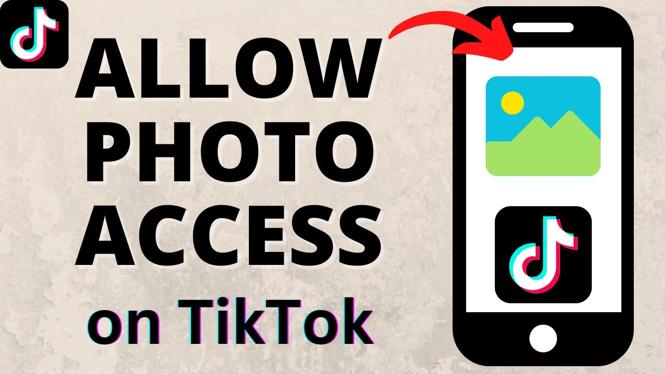
TikTok has quickly become one of the most popular social media platforms, allowing users to create, share, and discover short videos. One common issue users encounter is the inability to upload photos and videos due to permission restrictions. In this tutorial, we will guide you on how to give TikTok permission to access your photos and media on both iPhone and Android devices, ensuring that you can post your content without any issues. By following these steps, you will also learn how to rectify the photo access errors in TikTok.
Video Tutorial
Why You Might Be Looking for This Tutorial
If you’re experiencing difficulties uploading content to TikTok, it’s likely because the app does not have the necessary permissions to access your phone’s photos and media. This can be frustrating, especially if you want to share your creative videos or images with your followers. By allowing TikTok access to your photos, you can:
- Upload videos and pictures hassle-free.
- Fix photo access errors that prevent sharing content.
- Enhance your TikTok experience by utilizing your device’s gallery.
Steps to Allow TikTok Access to Photos
For iPhone Users
- Open the Settings app on your iPhone.
- Scroll down and tap on TikTok.
- Select Photos.
- Choose All Photos to allow TikTok full access.
For Android Users
- Open the Settings app on your Android device.
- Tap on Apps or Applications.
- Find and select TikTok from the list of installed apps.
- Tap on Permissions.
- Enable the toggle for Storage to allow access to photos and media.
Conclusion
By following these simple steps, you can quickly allow TikTok to access your photos, making it easy to upload and share your content with the TikTok community. Whether you are using an iPhone or an Android device, ensuring that you grant the necessary permissions will enhance your overall app experience. Start sharing your creativity today with TikTok!
More TikTok Tips & Tutorials:
 Subscribe Now! 🙂

Discover more from Gauging Gadgets
Subscribe to get the latest posts sent to your email.