How to Undo or Delete “Don’t Recommend Channel” Feedback on YouTube
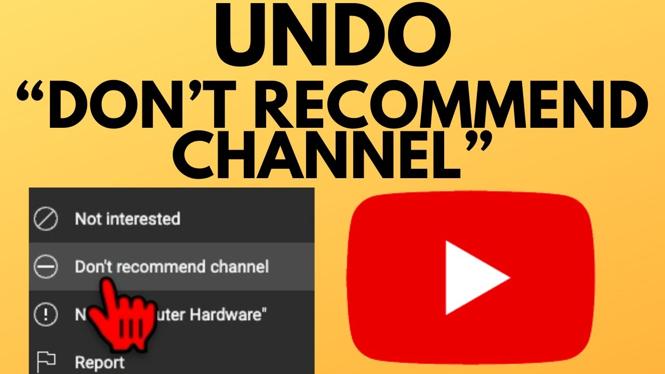
If you’ve ever felt frustrated by missing out on your favorite channels on YouTube, you may have unwittingly used the “Don’t Recommend Channel” feature. This action can prevent you from seeing content from channels that you once enjoyed, thus limiting your viewing experience. Fortunately, if you’ve changed your mind, it is possible to undo or delete this feedback. In this tutorial, we will guide you through the steps to reverse the “Don’t Recommend Channel” option effectively, ensuring you regain full control of your YouTube recommendations.
Video Tutorial
Why You Might Be Looking for This Tutorial
There are several reasons why you might want to undo the “Don’t Recommend Channel” feedback on YouTube. Perhaps you’ve changed your interests and want to explore new content again, or maybe you accidentally marked a channel and didn’t mean to. By following this tutorial, you can manage your feedback preferences, enhance your recommendations, and ensure that your YouTube feed aligns with your current viewing preferences.
Steps to Undo or Delete “Don’t Recommend Channel” Feedback on YouTube
- Log in to Your YouTube Account: Begin by navigating to the YouTube website or app and logging into your account.
- Access Your Account Settings: Click on your profile icon, typically located in the top right corner. From the dropdown menu, select “Settings.”
- Navigate to Privacy Settings: In the settings menu, look for the “Privacy” section where you can manage your account’s activity.
- Review Your Feedback Preferences: Find the section labeled “Manage Your Feedback.” Here, you can view channels you have previously marked with the “Don’t Recommend Channel” option.
- Undo Your Feedback: Locate the specific channel you wish to reverse and select the option to “Remove Feedback” or “Remove from Don’t Recommend.” This action will restore that channel to your recommendations.
- Check Your Recommendations: After making changes, return to your YouTube homepage and refresh to see if the channels you unmarked have started appearing again in your suggestions.
By following these steps, you can easily undo the “Don’t Recommend Channel” feedback and regain access to the content you love on YouTube. It’s important to periodically review your feedback preferences to ensure a tailored viewing experience. Enjoy exploring new videos and channels without restrictions!
More YouTube Tips & Tutorials:
 Subscribe Now! 🙂

Discover more from Gauging Gadgets
Subscribe to get the latest posts sent to your email.