How to Delete Google Play Games Account
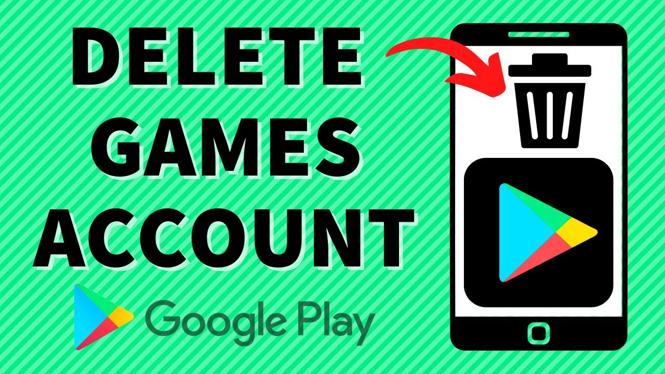
If you’re looking for a way to delete your Google Play Games account, you’re not alone. Many users find themselves wanting to either start fresh or completely remove game data that they’ve accumulated over the years. Whether you’re looking to clear your Google Play Games history, disconnect from saved games, or simply want to minimize your online footprint, this tutorial will guide you step by step on how to permanently delete your Google Play Games account.
Video Tutorial
Why You Might Be Looking for This Tutorial
There are several reasons why you might want to delete your Google Play Games account:
- Privacy Concerns: If you’re worried about data privacy and want to limit the amount of information stored online.
- Starting Fresh: If you’re looking to start new game profiles and wish to remove old game data and achievements.
- Device Cleanup: If you wish to declutter your device by removing associated game data from your Google account.
- Discontinuation of Use: If you no longer play games associated with your Google Play Games account and want to remove your presence.
Steps to Delete Your Google Play Games Account
Follow these steps to delete your Google Play Games account on your Android device or through Google account settings:
- Open Google Play Games: Launch the Google Play Games app on your Android device.
- Access Settings: Tap on your profile icon located at the top right corner of the screen. This will take you to the account settings.
- Manage Account: Scroll down and select the option labeled “Manage Account” or “Delete account.” If you’re not seeing this option in the app, you may need to access it through the Google Account settings.
- Choose Your Account: If you have multiple Google accounts, select the account linked to the Google Play Games you want to delete.
- Permanently Delete: Follow the prompts to ensure you want to permanently delete your account. This action is irreversible, so be certain of your decision.
- Remove Game Data: After deletion, you can also clear the game data from your device by going to your device’s settings, selecting “Apps,” finding Google Play Games, and choosing the option to clear data and cache.
By following these steps, you can successfully delete your Google Play Games account and all associated data, allowing you to either start anew or discontinue your gaming journey.
More Google Play Store Tips & Tutorials:
 Subscribe Now! 🙂

Discover more from Gauging Gadgets
Subscribe to get the latest posts sent to your email.