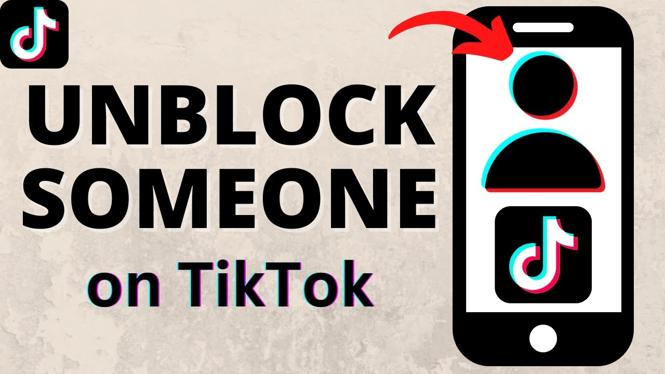
How to Unblock Someone on TikTok
In the dynamic world of social media, relationships can sometimes take unexpected turns. Whether it was a disagreement or simply needing space, blocking someone on TikTok is a common action. However, there may come a time when you wish to reconnect and unblock that person. Fortunately, TikTok has made this process straightforward and user-friendly, especially with the updated app interface in 2025. In this article, we will guide you through the steps to unblock someone on TikTok and manage your privacy settings effectively.
Video Tutorial
Why You Might Be Looking for This Tutorial
Many users find themselves in situations where they initially blocked someone on TikTok but later realized that they want to reconnect. This could be due to various reasons such as mending friendships, resolving misunderstandings, or simply wanting to catch up on each other’s content. Unblocking someone allows for better communication and engagement on the platform. Additionally, understanding how to manage your blocked list and privacy settings is essential in maintaining a positive and respectful TikTok experience.
Steps to Unblock Someone on TikTok
Step 1: Open the TikTok App
Launch the TikTok app on your mobile device. Make sure you are logged into your account.
Step 2: Go to Your Profile
Tap on the “Profile” icon located at the bottom right corner of the screen to access your personal profile.
Step 3: Access Settings
In your profile, tap on the three horizontal lines (menu icon) in the top right corner to open the settings menu.
Step 4: Find Privacy and Safety Settings
Within the settings menu, look for “Privacy” and select it to navigate to your privacy settings.
Step 5: Manage Blocked Users
Scroll down and tap on “Blocked accounts.” This will display a list of users that you have previously blocked on TikTok.
Step 6: Unblock the Desired User
Locate the user you wish to unblock and tap on their profile. You will see an option that says “Unblock.” Simply tap on it to remove the user from your blocked list.
Step 7: Confirm Unblocking
After tapping “Unblock,” a confirmation prompt may appear. Confirm your decision, and the user will be unblocked, allowing you to access their content and communicate with them again.
Step 8: Adjust Your Privacy Settings (Optional)
If desired, take this opportunity to review your overall privacy settings and adjust them according to your preferences for a better TikTok experience.
Conclusion
Unblocking someone on TikTok is a simple process that can help in restoring communication and relationships. By following the steps detailed above, you can efficiently manage your blocked list and ensure your TikTok interactions remain positive. Remember, maintaining an open line of communication can enrich your social media experience, and TikTok provides the tools to help you do just that.
More TikTok Tips & Tutorials:
 Subscribe Now! 🙂

Discover more from Gauging Gadgets
Subscribe to get the latest posts sent to your email.