How to Make a Gamepass in Roblox Mobile
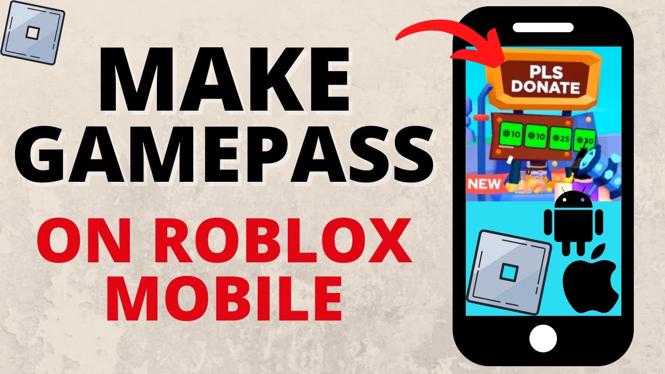
Creating and selling a Gamepass in Roblox is a great way for developers to monetize their games and earn some extra Robux. This task can easily be accomplished from your mobile device, allowing you to manage your game business on the go. In this post, we will walk you through the steps to create a Gamepass using Roblox Mobile, specifically for popular games like Pls Donate, Adopt Me, and Blox Fruits. Whether you’re a budding developer or an experienced player, understanding how to create a Gamepass is key to making your Roblox experience more profitable.
Video Tutorial
Why You Might Be Looking for This Tutorial
Players and developers might be looking for a tutorial on creating a Gamepass for several reasons:
- Monetization Opportunities: Gamepasses allow developers to earn Robux, making it essential for those wanting to profit from their game’s popularity.
- Ease of Use: Roblox Mobile provides flexibility, enabling users to create Gamepasses from their smartphones or tablets without needing a computer.
- Boosting Game Experience: Gamepasses can enhance player experiences by offering exclusive content or benefits, making your game more appealing.
Steps to Create a Gamepass on Roblox Mobile
- Open the Roblox App: Launch the Roblox application on your iPhone or Android device.
- Sign In: Make sure you’re signed into your Roblox account. If you don’t have an account, you’ll need to create one.
- Select Your Game: Go to ‘My Games’ and select the game for which you want to create a Gamepass.
- Access Game Settings: In your game’s settings, look for the ‘Store’ option on the left sidebar.
- Click on ‘Game Passes’: You will see an option to create a new Gamepass. Tap on it.
- Fill in Gamepass Details: Provide a name, description, and upload an image for your Gamepass. Make it attractive and appealing to potential buyers.
- Set the Price: Decide how much Robux you want to charge for the Gamepass. Make sure it’s reasonable based on the benefits it offers.
- Save and Publish: After double-checking all the details, click on the ‘Save’ button. Your Gamepass is now live!
Conclusion
Creating a Gamepass in Roblox Mobile is a straightforward process that can significantly enhance your game’s monetization strategy. By following the steps outlined in this tutorial, you can start earning Robux from your creations right away. Remember to keep your Gamepass offerings unique and valuable to attract more players. Happy developing!
More Roblox Tips & Tutorials:
 Subscribe Now! 🙂

Discover more from Gauging Gadgets
Subscribe to get the latest posts sent to your email.