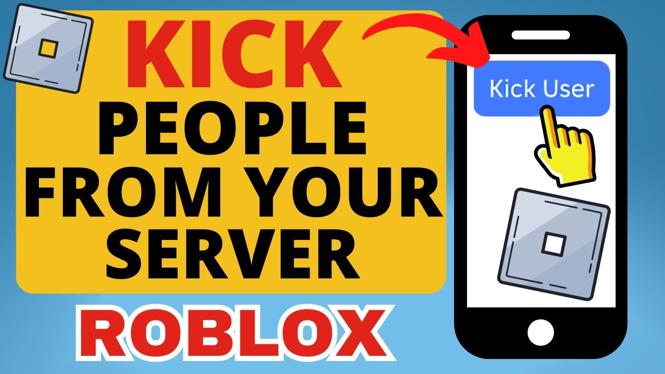
How to Kick People From Your Private Server on Roblox Mobile
Managing a private server on Roblox gives you the power to create a gaming environment that suits you and your friends. However, it can be frustrating to have unwanted players intruding on your experience. Whether you are dealing with disruptive players or simply want to maintain a friend-only gaming space, knowing how to kick players from your private server on Roblox Mobile is essential. In this tutorial, we will guide you through the necessary steps to effectively manage your private server and keep your gaming experience enjoyable.
Video Tutorial
Why You Might Be Looking for This Tutorial
As a Roblox player, you may find yourself in situations where you need to maintain the integrity of your private server. Here are a few reasons why learning how to kick players is crucial:
- Enhance Your Gaming Experience: Kick players who disrupt the game or do not meet your server’s standards.
- Control Over Your Server: Allow only trusted friends to play, creating a more enjoyable environment.
- Improve Teamwork: In team-based games, ensure that all players are cooperative and committed to the goals.
- Facility Management: Teach younger players how to manage their server effectively.
Step-by-Step Guide to Kick Players from Your Roblox Private Server on Mobile
Follow these steps to remove players from your private server directly on your mobile device:
- Open the Roblox App: Ensure you are logged into your account and navigate to the game where you own the private server.
- Access Your Server: Tap on the game’s icon, then select the ‘Servers’ tab to find your private server.
- Manage Server Settings: Once in your server, look for the three dots (•••) or the ‘Settings’ icon, typically located in the upper-right corner.
- Open the ‘Players’ Menu: In the settings menu, select ‘Players’ to see the list of all participants currently in your server.
- Select the Player to Kick: Find the player you wish to remove from the server and tap on their username.
- Kick the Player: Confirm the action by selecting ‘Kick’ from the options available. The player will be immediately removed from your private server.
By following these simple steps, you can successfully manage your Roblox private server and ensure that your gaming experience remains enjoyable and tailored to your preferences. Enjoy your gaming!
More Roblox Tips & Tutorials:
 Subscribe Now! 🙂

Discover more from Gauging Gadgets
Subscribe to get the latest posts sent to your email.