How to Change Age Guidelines on Your Roblox Game
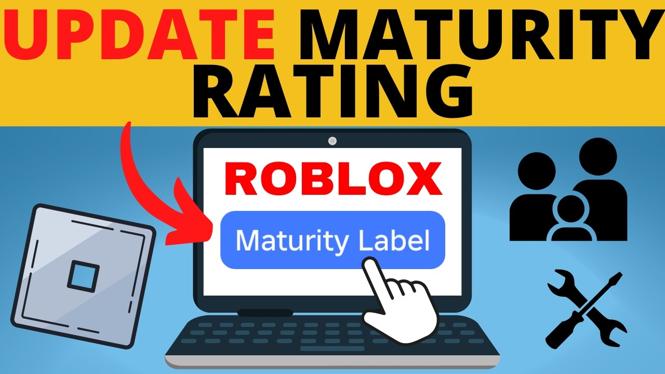
In today’s digital age, game developers must take into consideration the age appropriateness of their content. Roblox, as a widely-used platform, requires game creators to assign age guidelines to their games. If you have made updates or changes to your game and feel that its maturity rating needs to be adjusted, you will need to go through a simple process to change these age guidelines. This blog post will guide you through the necessary steps to ensure your game accurately reflects its content availability for players of different age groups.
Video Tutorial
Why You Might Be Looking for This Tutorial
There are several reasons you may want to change the age guidelines on your Roblox game. Perhaps you’ve implemented new features or made adjustments that alter the game’s content, necessitating a reevaluation of its maturity label. Alternatively, you may want to ensure that your game reaches a wider audience, which might require a more appropriate rating. Understanding how to navigate this process not only helps you comply with Roblox guidelines but also enhances player safety and experience. This tutorial will equip you with the knowledge needed to reclassify your game’s age guidelines efficiently.
Steps to Change Age Guidelines on Your Roblox Game
- Log in to Your Roblox Account: Start by logging into your Roblox account where you manage your game content.
- Navigate to Your Game: Go to the ‘Create’ section and select the game you want to edit from your My Creations panel.
- Access Game Settings: Click on the ‘Settings’ icon for the selected game. This can typically be found in the top right corner of the game page.
- Update Age Guidelines: Look for the ‘Age Guidelines’ option. You will need to fill out a questionnaire that assesses the maturity of your game’s content. Be honest and thorough in your responses to ensure an accurate rating.
- Save Your Changes: After completing the questionnaire, make sure to save your changes. Your game will now reflect the new age guidelines.
- Review Your Game: Once the changes are made, review your game to ensure the new maturity rating is implemented correctly. Players will now see the updated age guidelines when they access your game.
By following these steps, you can successfully change the age guidelines on your Roblox game, making sure that it aligns with your content and reaches the appropriate audience. Always remember to keep your guidelines up-to-date as your game evolves.
More Roblox Tips & Tutorials:
 Subscribe Now! 🙂

Discover more from Gauging Gadgets
Subscribe to get the latest posts sent to your email.