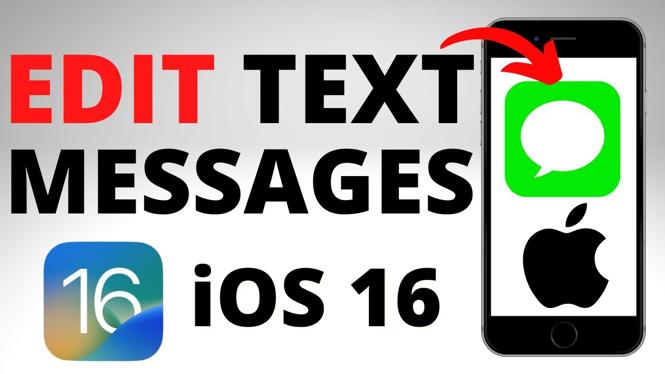
How to edit a text message on iPhone? In this tutorial, I show you how to edit text messages after they’re sent on your iPhone. With iOS 16, editing or changing text after they are sent is now possible on iMessage. This means you can edit sent messages on your iPhone
Edit a Text Message on iPhone (Video Tutorial):
Follow the steps below to delete duplicate photos on iPhone:
- Ensure your iPhone is updated to iOS 16.
- Open the messages app.
- Select a text message and then send a text.
- Long press the text you want to edit.
- In the menu, select Edit.
More iPhone Tips & Tutorials:
 Subscribe Now! 🙂
1
/
25


How to Lock Apps on iPhone
How to Turn Off Express Transit Mode on iPhone
How to Find Hidden Apps on iPhone
How to Hide & Unhide Apps on iPhone
How to Hide Apps on iPhone
How to Change Safari Default Search Engine on iPhone
How to Find Apple ID on iPhone
How to Add App Back to Home Screen on iPhone
How to Turn Off Screen Distance on iPhone - Fix iPhone Too Close
How to Change Clock Icon on iPhone Home Screen
How to Stop Text Messages on iPad
How to Send Text in Custom Fonts on iPhone
How to Check Deleted Messages on iPhone
How to Set Custom Charging Sound On iPhone
How to Disable Apple Intelligence AI on iPhone
1
/
25
Discover more from Gauging Gadgets
Subscribe to get the latest posts sent to your email.