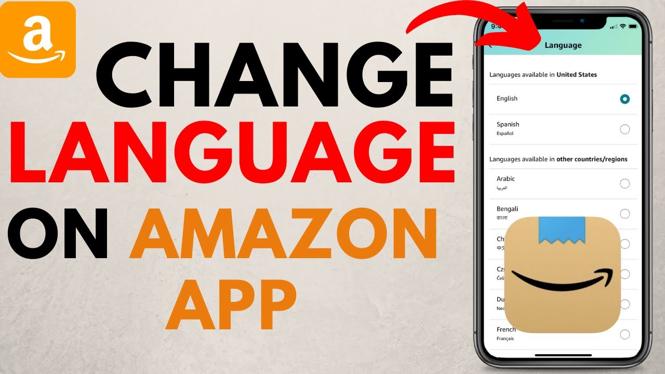
How to change language on Amazon app? In this tutorial, I show you how to change the language that is displayed in the Amazon app on iOS and Android. This can fix amazon app stuck in Spanish, French, or any other language. You can also use this to change Amazon back to English.
Change Language on Amazon App (Video Tutorial):
Follow the steps below to change language on Amazon:
- Open the Amazon app on your iPhone, iPad, or Android phone.
- Select the 3 horizontal bars all the way to the right in the bottom menu.
- Scroll down and select Settings, then select Country & Language.
- Select Language.
- Find your desired language in the list and select it.
- If the language you selected changes the Amazon region, select your desired region.
- Select done to change language in the Amazon app.
More Amazon Tips & Tutorials:
 Subscribe Now! 🙂
1
/
3


How to Buy Kindle Books on Amazon
How To Redeem Amazon Gift Card - EASY 2026
How to Redeem Physical Amazon Gift Card - 2026
How To Redeem Physical Amazon Gift Card - 2026
How to Install Amazon App on iPhone
How to Check Prime Video Password - iPhone, Android, Samsung
How to Check Amazon Password - iPhone, Android, Samsung
How to Check if Amazon Account Has Been Hacked - iPhone, Android, Samsung Phone
How to Find Amazon Receipt in Amazon App - 2025
How to Get Invoice on Amazon App - iPhone & Android
How to CANCEL Amazon Prime Video Ad Free Subscription
How to CANCEL Amazon Prime Subscription - 2025
How to Logout Amazon Account from All Devices - Log Out Amazon Prime Video From All Devices
How to Change Language on Amazon App - 2025
How to Cancel Amazon Prime Membership Subscription - iPhone & Android
1
/
3
Discover more from Gauging Gadgets
Subscribe to get the latest posts sent to your email.