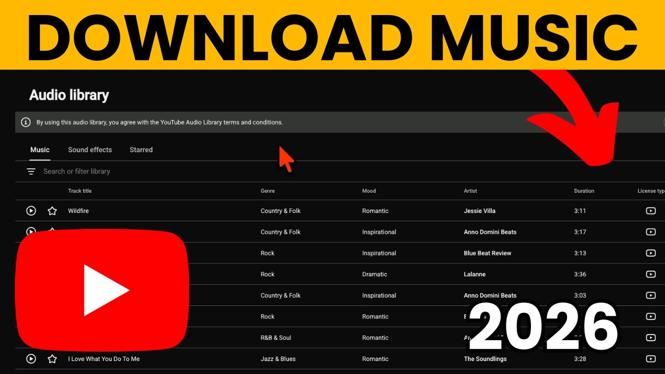
How to Download Music from YouTube to MP3
In today’s digital world, having access to your favorite music anytime and anywhere is more important than ever. Whether you want to create your own offline music library or simply save a special song for easy access, knowing how to convert and download music from YouTube to MP3 can be incredibly useful. In this tutorial, we provide a comprehensive, step-by-step guide to help you easily convert YouTube videos into MP3 audio files that you can save directly to your device.
Video Tutorial
Why You Might Be Looking for This Tutorial
Many people search for ways to download music from YouTube to MP3 for various reasons, including:
- Offline Access: Enjoy your favorite tracks without relying on an internet connection.
- Personal Library: Build a custom collection of songs that you can access anytime.
- Convenience: Easily transfer music to different devices like smartphones or tablets.
- High Quality: Get high-quality audio downloads that improve your listening experience.
Steps to Download Music from YouTube to MP3
Follow these simple steps to convert and download music from YouTube to MP3:
Step 1: Find Your Desired YouTube Video
Begin by navigating to YouTube and finding the video of the song or music track you wish to download. Look for the specific video that contains the audio you want.
Step 2: Copy the Video URL
Once you have located the video, right-click on the URL in the address bar and select ‘Copy’ to copy the link to your clipboard.
Step 3: Choose a YouTube to MP3 Converter
Next, select a reputable online YouTube to MP3 converter website. There are many options available, so ensure you choose a site that is user-friendly and secure.
Step 4: Paste the Video URL
Open the converter website and locate the input box. Paste the copied URL from YouTube into this box.
Step 5: Select MP3 as the Format
Most converters allow you to choose the format you want to download. Select MP3 as your desired output format.
Step 6: Initiate the Conversion Process
Click the ‘Convert’ or ‘Download’ button. The converter will begin processing the video, converting it into an MP3 file.
Step 7: Download Your MP3 File
Once the conversion is complete, a download link will become available. Click on it to save your MP3 file to your device. Ensure the download is completed before attempting to play the file.
Step 8: Enjoy Your Music Offline
Your music is now downloaded and ready to be enjoyed offline. You can transfer the MP3 file to various devices, such as smartphones, tablets, or computers.
By following these steps, you can easily download music from YouTube in MP3 format and create a personal music library that you can access anywhere, anytime. Happy listening!
More YouTube Tips & Tutorials:
 Subscribe Now! 🙂

Discover more from Gauging Gadgets
Subscribe to get the latest posts sent to your email.