How to See What Instagram Reels Your Friends Liked
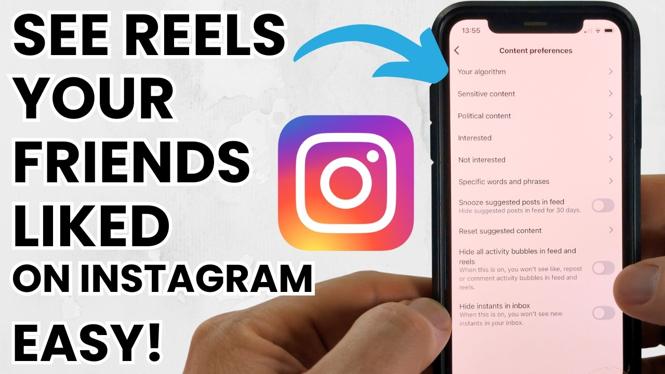
In today’s social media landscape, Instagram Reels have become a popular way to share short, engaging videos. With so much content available, it can be challenging to keep track of what your friends are enjoying. That’s why knowing how to see the Reels your friends liked can open up a world of new entertainment and trends. Whether you are looking for inspiration or simply wanting to connect with friends through shared interests, this tutorial will guide you through the process seamlessly. In this article, we will provide the steps to find your friends’ liked Reels on Instagram in 2026, applicable to both iPhone and Android users.
Why You Might Be Looking for This Tutorial
Many Instagram users are curious about what their friends are liking, as it can provide insight into their interests and preferences. By discovering the Reels your friends enjoy, you can:
- Explore new content that might not appear on your feed.
- Stay updated on trending Reels within your social circle.
- Engage with your friends by sharing thoughts on the Reels they liked.
- Enhance your Reels experience by finding relatable content.
Steps to See What Instagram Reels Your Friends Liked
- Open the Instagram App: Launch Instagram on your device, whether it’s an iPhone or an Android.
- Navigate to Your Profile: Tap on your profile icon at the bottom right corner of the screen.
- Access Your Activity: Tap on the three horizontal lines in the top right corner to access the menu, and then select ‘Your Activity’.
- Find Interactions: Scroll to find ‘Interactions’. Here, you will see a list of your interactions, including likes.
- Check Liked Reels: Scroll through your interactions to see the Reels you have liked. To see what your friends have liked, you will need to check their profiles individually.
- Visit Friends’ Profiles: Go to the profiles of your friends. You can find their liked Reels if they have their activities public. This section will highlight the Reels they’ve engaged with.
Conclusion
By following these simple steps, you’ll be able to see what Instagram Reels your friends liked and discover new content that aligns with your interests. This feature not only enhances your user experience but also fosters stronger connections through shared content. So, get started and see what your friends are enjoying today!
Video Tutorial
More Instagram Tutorials:
 Subscribe Now! 🙂

Discover more from Gauging Gadgets
Subscribe to get the latest posts sent to your email.