How to Turn ON Autoplay on YouTube
Are you tired of having to manually select the next video on YouTube? Do you want to enjoy an uninterrupted viewing experience? Turning on the autoplay feature on YouTube is a simple way to enhance your video-watching sessions. In this blog post, we will guide you through the steps to enable autoplay on YouTube across different devices, including iPhone, Android, and Samsung. You’ll be able to sit back, relax, and allow the platform to play your favorite videos continuously without any interruptions.
Video Tutorial
Why You Might Be Looking for This Tutorial
Many users find themselves constantly clicking on the next video or struggling to keep their playlist going. Whether you’re working out, cleaning the house, or just relaxing, you might be seeking a seamless way to enjoy your favorite content. Autoplay can turn YouTube into a more enjoyable experience by allowing you to focus on what matters—entertainment. With just a few simple steps, you can enable autoplay on your device and never have to worry about manually selecting videos again.
Steps to Turn ON Autoplay on YouTube
For iPhone Users:
- Open the YouTube app on your iPhone.
- Navigate to the video you want to watch.
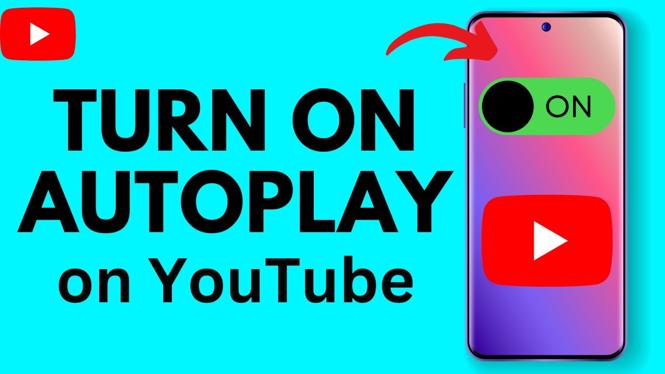
- Once the video is playing, look for the autoplay toggle located beneath the video player on the right-hand side.
- Tap the toggle to switch it ON (it should turn blue when activated).
- Your videos will now play continuously, one after the other!
For Android Users:
- Launch the YouTube app on your Android device.
- Select any video to start watching.
- Tap on the video screen to reveal the controls.
- Find the autoplay switch below the video, and tap it to turn it ON.
- Enjoy the convenience of continuous video playback!
For Samsung Users:
- Open the YouTube app on your Samsung device.
- Play a video of your choice.
- Tap the screen to access the video controls.
- Locate the autoplay icon beneath the video section, and toggle it to ON.
- Now you can sit back and let your videos play automatically!
Conclusion
Enabling autoplay on YouTube is an excellent way to enhance your viewing experience, allowing you to enjoy your favorite videos without interruptions. Whether you are on an iPhone, Android, or Samsung device, the process is quick and easy. Follow the steps outlined above, and let the autoplay feature transform the way you watch videos on YouTube.
More YouTube Tips & Tutorials:
 Subscribe Now! 🙂

Discover more from Gauging Gadgets
Subscribe to get the latest posts sent to your email.