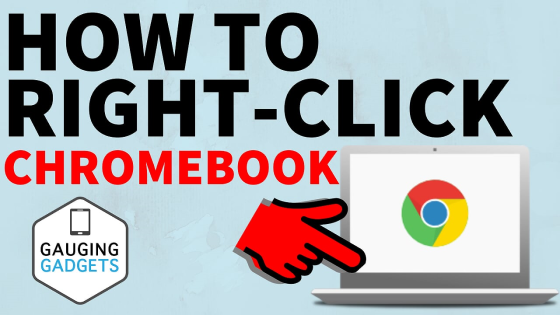
How to right click on a Chromebook? In this tutorial, I show you 3 ways to right-click on a Chromebook. Right clicking on a Chromebook is easy and is very similar to Macbooks and Windows computers.
Learning how to right click on a Chromebook is very important because it opens the context menu. This menu is a quick way to access many things including cut, copy, paste, inspect element, cast, save as, etc…
Video Tutorial:
Follow the steps below to right click on any Chromebook:
- Chromebook right-click method 1:
– Push the touch-pad with two fingers at the same time.
- Chromebook right-click method 2:
– Enable tap-to-click in the Chromebook settings.
- Chromebook right-click method 3:
– Hold the Alt button while clicking on the touch-pad. This will turn a regular click into a right click.
Other Chromebook Tutorials & Tips:
 Subscribe Now! 🙂
1
/
7


How to Live Stream from a Chromebook - YouTube, Twitch, & Facebook
How to Right Click on Chromebook - EASY
How to Connect Bluetooth Headphones to Chromebook - Pair Bluetooth Earbuds Chromebook
How to Clear Browsing History on Chromebook - Delete Web History Chrome OS
How to Edit YouTube Videos for Free Without Any Software - EASY
How to Recover Deleted Files on Chromebook - Restore Files from Trash on Chromebook
How to Record Chromebook Screen - Chromebook Screen Recorder
How to Play Fortnite on a Chromebook - 2021
How to Install Minecraft on a Chromebook - 2021
How to Connect Xbox Controller to Chromebook
How to Set Up and Use Linux Apps on Chromebooks - Chromebook Linux Install
How to Turn On Chromebook Developer Mode - Put Chromebook in Dev Mode
How to Factory Reset Chromebook - Powerwash Without a Password
How To Fix A Chromebook That Won't Turn On - Chromebook Tutorial
How to Turn Off Chromebook Developer Mode - Disable Dev Mode
1
/
7
Discover more from Gauging Gadgets
Subscribe to get the latest posts sent to your email.