How to Link a Facebook Group to a Facebook Page
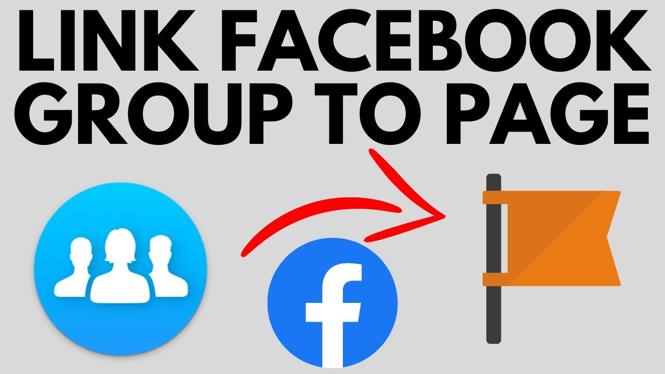
Linking your Facebook Group to your Facebook Page can significantly enhance your online presence and community engagement. By creating a connection between these two platforms, you streamline your social media management and provide a seamless experience for your members. This tutorial will guide you through the steps required to link your Facebook Group to your Facebook Page, maximizing your reach and simplifying your social media strategy.
Video Tutorial
Why You Might Be Looking for This Tutorial
Many individuals and businesses create a Facebook Page to promote their brand and products, while also starting a Facebook Group to foster community and engage with their audience on a more personal level. However, managing these two separate entities can be challenging. You might be seeking this tutorial to:
- Enhance engagement between your Group and Page.
- Increase the visibility of your Group to Page followers.
- Simplify your social media management by linking the two.
- Create a unified brand presence across Facebook.
Steps to Link Your Facebook Group to Your Facebook Page
Follow these simple steps to effectively link your Facebook Group to your Facebook Page:
- Log into Facebook: Open Facebook and log into your account.
- Go to Your Facebook Group: Navigate to the Group you wish to link. You can find it by clicking on “Groups” in the left-hand menu.
- Access Group Settings: Click on the “More” tab located below the Group cover photo, and select “Edit Group Settings.”
- Link Your Page: Scroll down to the “Linked Pages” section. Here, click on “Link your Page.”
- Select Your Page: A pop-up will appear displaying your available Pages. Choose the Page you want to link to your Group.
- Confirm the Link: Click on “Link” to confirm the connection between your Facebook Group and your Facebook Page.
- Check the Connection: Return to your Page and Group to ensure the link appears as expected.
By following these steps, you can easily link your Facebook Group to your Facebook Page, enhancing your engagement and community growth. This will not only make it easier to manage both platforms but also help you in reaching a wider audience.
More Facebook Tips & Tutorials:
 Subscribe Now! 🙂

Discover more from Gauging Gadgets
Subscribe to get the latest posts sent to your email.