How to Update Roblox on Phone
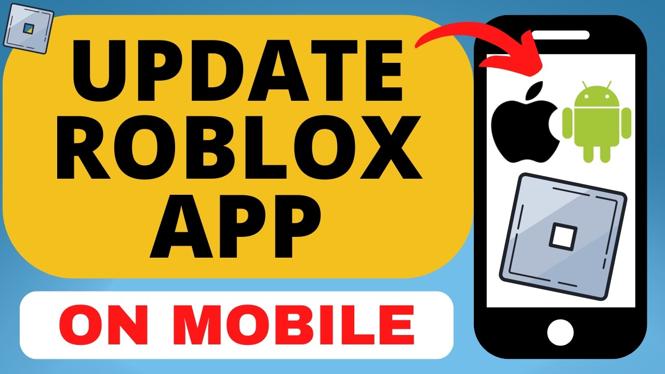
Keeping your Roblox app updated on your mobile device is essential for enjoying the latest features, bug fixes, and security enhancements. Whether you’re an avid gamer or just enjoy spending time with friends on Roblox, ensuring you have the latest version of the app can significantly enhance your experience. In this tutorial, we will guide you through the simple steps to update Roblox on both iPhone and Android devices.
Video Tutorial
Why You Might Be Looking for This Tutorial
There are several reasons why you may want to update your Roblox app on your phone. Firstly, updates often come with new features that enhance gameplay and offer new content to explore. Secondly, bug fixes are an essential part of any update, as they help eliminate issues that may affect performance or user experience. Finally, regular updates ensure that your app remains secure, protecting your personal information and gaming data from potential threats. By following our guide, you can easily access these improvements and continue enjoying your time on Roblox without interruptions.
Steps to Update Roblox on iPhone
- Open the App Store on your iPhone.
- Tap on your profile icon located in the top right corner.
- Scroll down to find the section labeled “Available Updates.”
- Look for Roblox in the list. If an update is available, tap the “Update” button next to it.
- Once the update is complete, you can open Roblox again to enjoy the latest features.
Steps to Update Roblox on Android
- Launch the Google Play Store app on your Android device.
- Tap on the menu icon (three horizontal lines) in the top left corner.
- Select “My apps & games” from the menu options.
- Under the “Updates” tab, find Roblox.
- If an update is available, tap the “Update” button next to the app.
- Wait for the update to finish downloading and installing before opening Roblox again.
Conclusion
Updating your Roblox app on your mobile device is a straightforward process that ensures you have access to the latest features, performance enhancements, and security updates. By following the steps outlined in this tutorial, you can easily keep your app current and enjoy a better gaming experience. Make it a habit to check for updates regularly, and you’ll always be in the loop with what’s new on Roblox.
More Roblox Tips & Tutorials:
 Subscribe Now! 🙂

Discover more from Gauging Gadgets
Subscribe to get the latest posts sent to your email.