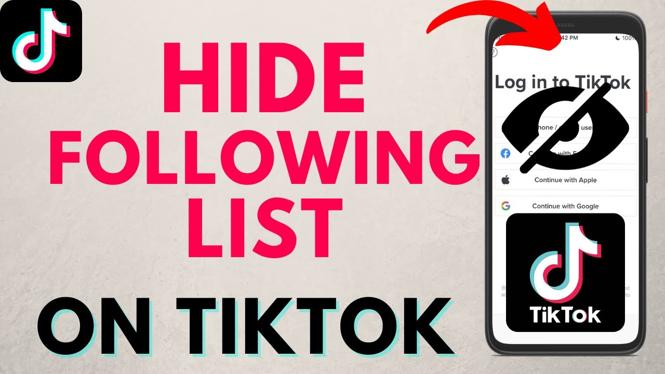
How to Make Your TikTok Following List Private
In the age of social media, privacy has become a prevalent concern for users across various platforms, including TikTok. If you’ve been wondering how to manage your privacy settings, specifically how to make your following list private, you’re in the right place. This tutorial will guide you through the steps necessary to keep your following list hidden on TikTok, whether you’re using an iPhone, Android, or Samsung phone.
Why You Might Be Looking for This Tutorial
Many TikTok users are becoming increasingly aware of the importance of managing their online presence. Making your following list private can help protect your privacy and manage who sees your connections on the platform. Whether you want to prevent unwanted attention, protect personal relationships, or simply enhance your overall privacy, knowing how to adjust your TikTok settings can make a significant difference. This video tutorial will provide clear, step-by-step instructions tailored for your device.
Video Tutorial
Steps to Make Your TikTok Following List Private
- Open the TikTok App: Launch the TikTok app on your device.
- Go to Your Profile: Tap the ‘Profile’ icon located at the bottom right corner of the screen.
- Access Settings: Click on the three dots (or the three lines) in the top right corner to access your settings.
- Privacy Settings: Navigate to the ‘Privacy’ section from the list of options.
- Switch to Private Account: Toggle the ‘Private Account’ option to make your account private. This ensures that only your approved followers can see your following list.
- Review Follow Requests: Manage who you allow to follow you, giving you further control over your connections.
By following these simple steps, you can successfully hide your TikTok following list from the public and enhance your privacy on the platform. Remember, adjusting your privacy settings is an ongoing process—be sure to revisit and review them regularly as you engage with the TikTok community.
More TikTok Tips & Tutorials:
 Subscribe Now! 🙂

Discover more from Gauging Gadgets
Subscribe to get the latest posts sent to your email.