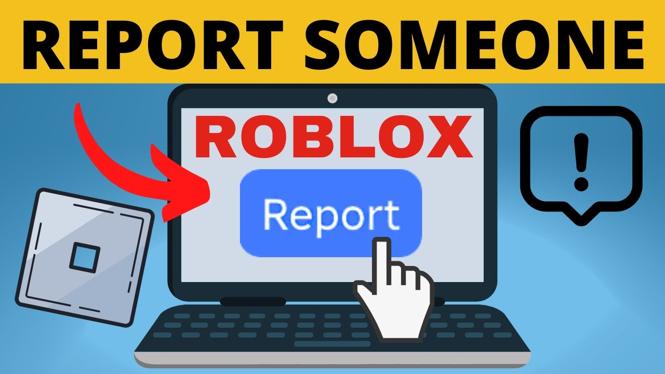
How to Report Someone on Roblox
Roblox is a popular online gaming platform that allows users to create and play games created by others. With millions of players worldwide, it is not uncommon to encounter inappropriate behavior or cheating while playing. Knowing how to report someone on Roblox is essential for maintaining a safe and enjoyable gaming experience. In this blog post, we will explore the steps you need to take to report a player, ensuring that your Roblox community remains fun and friendly.
Video Tutorial
Why You Might Be Looking for This Tutorial
You may be looking for ways to report someone on Roblox if you’ve experienced or witnessed unkind behavior, harassment, scams, or cheating during gameplay. Reporting players is crucial for upholding the platform’s community standards and keeping the environment safe for both new and veteran players. Understanding the reporting process can help you take appropriate action and contribute to a positive Roblox gaming experience for everyone.
Steps to Report Someone on Roblox
Step 1: Log into Your Roblox Account
Begin by logging into your Roblox account on your PC or laptop. Make sure your account is in good standing to access all reporting features.
Step 2: Locate the Player’s Profile
If you want to report a player while in-game, you can find their profile by clicking on their username. Alternatively, you can search for their profile directly from the search bar on the Roblox homepage.
Step 3: Click on the ‘Report’ Button
Once on the player’s profile page, look for the ‘Report’ button. It is usually located under their profile information. Click this button to initiate the reporting process.
Step 4: Select the Reason for Reporting
A new window will pop up asking you to select the reason for the report. Common reasons include inappropriate content, harassment, or cheating. Choose the most applicable option from the drop-down list.
Step 5: Provide Additional Details
If necessary, you can add additional information about the incident in the text box provided. This information can help Roblox moderators understand the situation better.
Step 6: Submit Your Report
After filling out the necessary information, click the ‘Submit’ button to send your report. You will receive a confirmation that your report has been submitted successfully.
Conclusion
Reporting players on Roblox is a vital action that helps to protect the community from harmful behavior. By following this step-by-step guide, you can swiftly take action against inappropriate conduct and help foster a better gaming environment for everyone. Remember, it’s important to use the reporting feature responsibly and only for genuine cases of misconduct.
More Roblox Tips & Tutorials:
 Subscribe Now! 🙂

Discover more from Gauging Gadgets
Subscribe to get the latest posts sent to your email.