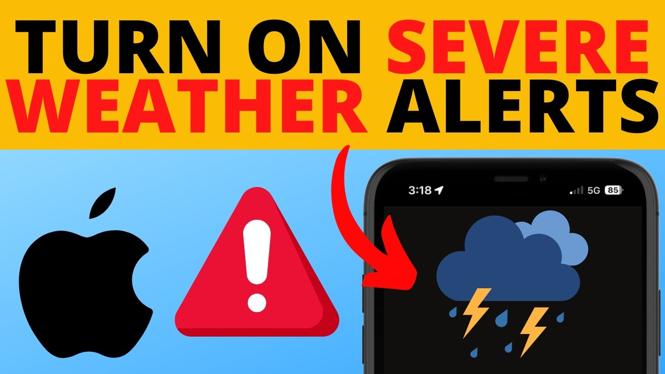
How to Turn on Severe Weather Alerts on iPhone
In today’s fast-paced world, staying informed about severe weather conditions is crucial for your safety and the safety of your loved ones. Whether it’s a thunderstorm, hurricane, flood, or tornado, having timely information can make a significant difference in how you prepare and respond. With your iPhone, you can easily enable severe weather alerts to ensure you receive notifications about dangerous weather conditions directly on your device. This guide will walk you through the process of turning on these alerts using your iPhone’s built-in weather app, ensuring you are always in the loop when severe weather threatens your area.
Video Tutorial
Why You Might Be Looking for This Tutorial
You may be searching for a way to turn on severe weather alerts on your iPhone for several reasons. First and foremost, understanding and responding to severe weather can be life-saving. The elements of nature can be unpredictable, and having alerts right on your device allows you to act quickly. Furthermore, as extreme weather events become more frequent, being proactive in monitoring conditions can ease anxiety and ensure your safety and preparedness. This simple tutorial will help you set up those alerts effortlessly.
Steps to Enable Severe Weather Alerts on Your iPhone
- Open the Settings App: Locate the Settings app on your iPhone’s home screen and tap to open it.
- Scroll to Notifications: In the Settings menu, scroll down and select “Notifications.”
- Select Weather: Find and tap on “Weather” from the list of apps.
- Enable Allow Notifications: Make sure the “Allow Notifications” toggle is turned on.
- Customize Alert Settings: You can choose how you want to be notified by selecting the alert style. You can also decide if you want alerts to show on your lock screen, in the notification center, and as banners.
- Return to the Home Screen: Once you have set everything up, press the home button or swipe up to return to your home screen.
By following these steps, you will receive timely notifications about severe weather via your iPhone, helping you stay safe and informed. Remember, it is essential to keep your device updated to ensure that these alerts function correctly and that you are equipped with the latest features offered by Apple.
More iPhone Tutorials:
 Subscribe Now! 🙂

Discover more from Gauging Gadgets
Subscribe to get the latest posts sent to your email.