How to Turn Off Copyrighted Music & Emotes in Fortnite
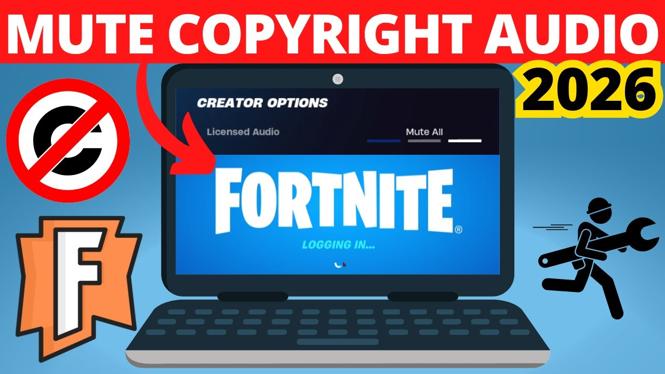
In an age where content creation is at an all-time high, many gamers and streamers are on the lookout for ways to avoid copyright issues while sharing their Fortnite gameplay. Copyrighted music and emotes can lead to strikes on platforms like YouTube, Twitch, and TikTok, potentially hindering your ability to monetize your content. Luckily, Fortnite offers settings that allow you to turn off licensed audio, ensuring a smoother streaming and recording experience without the fear of DMCA claims.
Video Tutorial
Why You Might Be Looking for This Tutorial
If you are a streamer or content creator, understanding how to turn off copyrighted music and emotes in Fortnite is crucial. This tutorial is designed for those who want to:
- Avoid copyright strikes on their videos and streams.
- Ensure that their content remains monetizable without issues.
- Focus on the gameplay without distractions from audio licensing problems.
Whether you are a seasoned player or just starting out, this guide will help you take control of your audio settings and keep your Fortnite experience copyright-free.
Steps to Turn Off Copyrighted Music & Emotes in Fortnite
- Launch Fortnite: Open the Fortnite game on your console or PC.
- Go to Settings: Click on the three horizontal lines in the top right corner of the main menu to access the settings.
- Select the Audio Tab: In the settings menu, navigate to the audio tab, usually represented by a speaker icon.
- Adjust the Audio Settings: Look for options related to “Licensed Audio” or “Music.” Set the Licensed Audio option to “Off” to disable copyrighted music and emotes in the game.
- Save Changes: After making your adjustments, ensure that you save your changes before exiting the settings menu.
By following these steps, you can enjoy a copyright-free gameplay experience in Fortnite and focus on creating engaging content for your audience.
Conclusion
Turning off copyrighted music and emotes in Fortnite is a straightforward process that can save you a lot of trouble down the line. By taking control of your audio settings, you can confidently stream and record your gameplay without fear of copyright strikes. Follow this tutorial to keep your content safe, sound, and monetizable.
More Fortnite Tips & Tutorials:
 Subscribe Now! 🙂

Discover more from Gauging Gadgets
Subscribe to get the latest posts sent to your email.