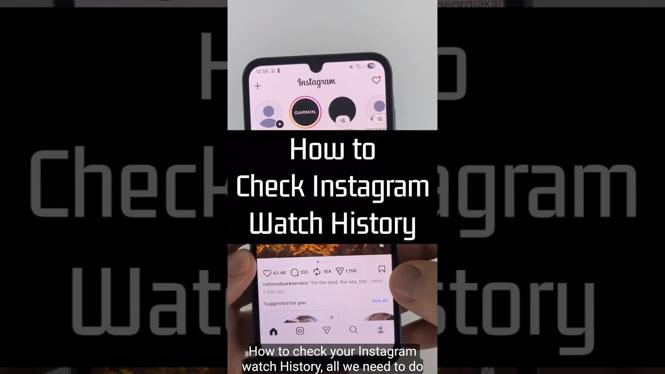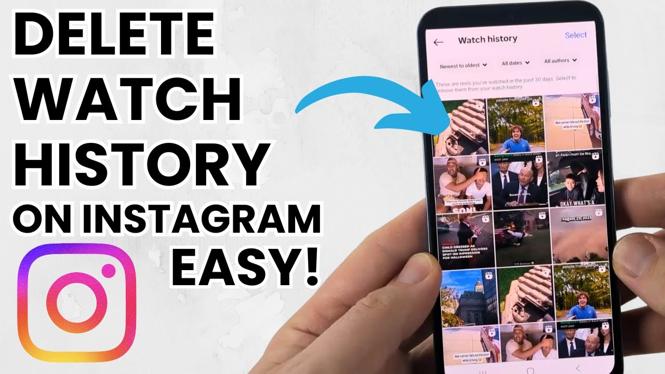
How to Delete Instagram Watch History
In today’s digital age, social media platforms like Instagram play a significant role in our daily lives. As we scroll through countless reels and videos, our watch history gets filled with content that we may or may not want to keep. If you’re looking to clean up your Instagram feed or simply want to maintain your privacy, knowing how to delete your Instagram watch history is essential. In this blog post, we’ll walk you through the steps to effectively remove your reels watch history on the Instagram app for iPhone, Android, and Samsung devices.
Why You Might Be Looking for This Tutorial
There are several reasons why you might want to delete your Instagram watch history.
- Privacy Concerns: Keeping your watch history private ensures that others who may have access to your account do not see your viewing preferences.
- Managing Recommendations: Instagram uses your watch history to suggest videos and reels. By clearing your history, you can reset these recommendations and see different content.
- Personal Preference: You might simply want a fresh start and prefer to remove old content that no longer interests you.
Video Tutorial
Steps to Delete Instagram Watch History
For iPhone and Android Users:
- Open the Instagram app on your smartphone.
- Go to your profile by tapping on the profile icon located at the bottom right corner of the screen.
- Tap the three horizontal lines (menu icon) located at the top right corner.
- Select ‘Your Activity’ from the menu that appears.
- Tap on ‘Reels’ to view your watched content.
- You will see a list of reels that you’ve watched. To delete specific watch history, swipe left on the reel you want to remove and tap ‘Delete’.
- If you wish to clear all your watch history, you may need to delete your viewing activity in a more comprehensive way, either through the app settings or account settings, depending on updates from Instagram.
For Samsung Users:
- Launch the Instagram app on your Samsung device.
- Navigate to your profile by tapping the profile icon at the bottom right.
- Access the menu by tapping the three lines at the top right.
- Select ‘Your Activity’ and then tap on ‘Reels’.
- Locate the reel you want to remove from your history, swipe left, and choose ‘Delete’.
By following these steps, you can easily keep your Instagram watch history in check and ensure your feed reflects your current interests. Whether you’re looking to clear out old recommendations or simply want to safeguard your viewing habits, deleting your watch history is a simple yet effective solution.
More Instagram Tutorials:
 Subscribe Now! 🙂

Discover more from Gauging Gadgets
Subscribe to get the latest posts sent to your email.