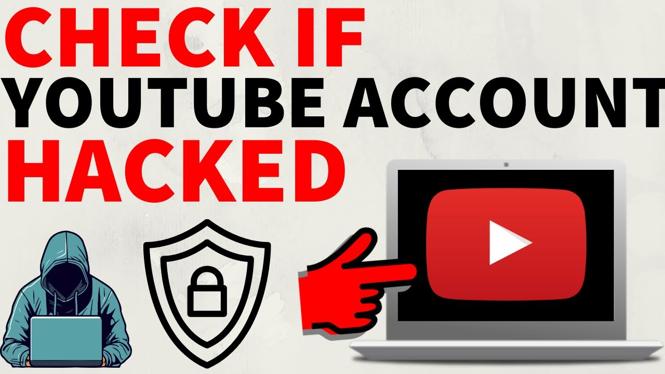
How to Check if Your YouTube Account Has Been Hacked
In today’s digital age, online security is more important than ever, especially for content creators on platforms like YouTube. Discovering that your YouTube account has been hacked can be a distressing experience. Videos disappearing, strange activity, or unauthorized logins can signal that your account has been compromised. In this blog post, we’ll guide you through the steps to check if your YouTube account has been hacked and how to secure it. You’ll learn to identify the signs of a potential breach and take action to protect your valuable content.
Why You Might Be Looking for This Tutorial
As a YouTube user, you might be concerned about online security for various reasons. Perhaps you’ve noticed unusual activity on your channel, or you’ve received suspicious emails prompting you to change your password. Maybe you’re just aware of the increasing number of hacking incidents targeting online accounts. This tutorial will equip you with the knowledge to identify potential threats and take the necessary steps to keep your account secure.
Video Tutorial
For a visual walkthrough, check out the following video tutorial that complements this blog post:
Steps to Check if Your YouTube Account Has Been Hacked
1. Identify Signs of Unauthorized Access
- Missing videos or playlists.
- Strange comments or messages sent from your account.
- Unfamiliar login notifications or changes to your channel’s about section.
2. Review Your Login History
Log in to your YouTube account and survey your account information:
- Go to Settings.
- Select Manage your Google Account.
- Navigate to the Security tab.
- Look for Recent Security Events to check any unusual logins.
3. Check Connected Devices
Ensuring that only your devices have access to your account is crucial:
- In the Security tab, scroll to Your Devices.
- Review the list and remove any devices you don’t recognize.
4. Change Your Password
If you suspect your account has been hacked, change your password immediately:
- Choose a strong password that you haven’t used before.
- Enable two-factor authentication for additional security.
5. Secure Your Google Account
Since your YouTube account is linked to your Google account, it’s important to secure it:
- Review your account recovery options.
- Check for suspicious activity and update your security questions.
Conclusion
Taking the necessary precautions can save you from the hassle of dealing with a hacked YouTube account. Always stay vigilant and monitor your account regularly for any suspicious activity. By following the steps outlined in this tutorial, you can ensure your YouTube channel remains a secure space for your creativity and audience engagement.
More YouTube Tips & Tutorials:
 Subscribe Now! 🙂

Discover more from Gauging Gadgets
Subscribe to get the latest posts sent to your email.