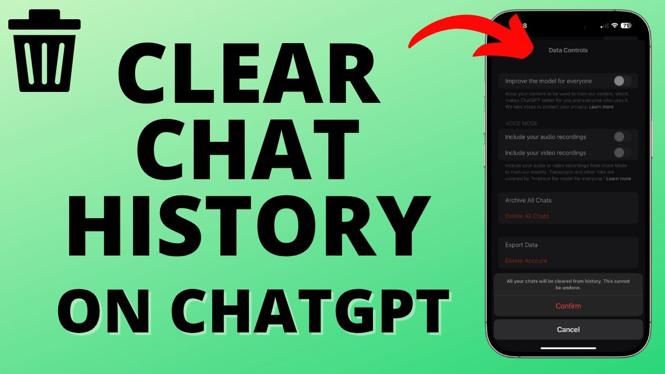
How to Clear Chat History in ChatGPT App
Maintaining your privacy and organizing your chat history is essential for a seamless experience on the ChatGPT mobile app. Whether you are using an iPhone or an Android device, clearing your chat history is a straightforward process that allows you to manage your conversations effectively. In this blog post, we will guide you through the steps to delete your chat history in the ChatGPT app, ensuring you can chat without clutter and maintain your privacy.
Video Tutorial
Why You Might Be Looking for This Tutorial
Users often seek to clear their chat history for various reasons. Some may want to keep their discussions private, while others might be looking to declutter their chat list for easier navigation. As conversations accumulate, finding relevant chats can become difficult. Moreover, ensuring that sensitive information is not stored in the app is vital for many users. This tutorial will provide you with a clear understanding of how to remove your chat history, helping you regain control over your conversations.
Steps to Clear Chat History in ChatGPT App
For iPhone Users:
- Open the ChatGPT app on your iPhone.
- Navigate to the chat list where your conversations are displayed.
- Swipe left on the conversation you wish to delete.
- Tap the ‘Delete’ button that appears.
- Confirm the deletion when prompted.
For Android Users:
- Launch the ChatGPT app on your Android device.
- Go to your chat list.
- Long press on the conversation you want to clear.
- Tap the ‘Delete’ option from the menu that appears.
- Confirm your choice to delete the chat history.
Conclusion
Clearing your chat history in the ChatGPT app is an essential step towards maintaining your privacy and an organized chat list. By following the simple steps outlined in this tutorial, you can easily manage your conversations on both iPhone and Android devices. Regularly clearing out your chat history not only keeps things tidy but also protects your private discussions from being accessible later. Make use of this feature to enhance your experience on the ChatGPT app today!
More ChatGPT Tips & Tutorials:
 Subscribe Now! 🙂

Discover more from Gauging Gadgets
Subscribe to get the latest posts sent to your email.