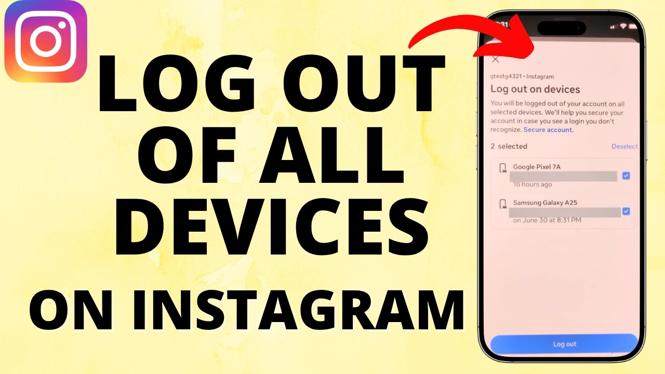
How to Log Out of All Devices on Instagram
In today’s digital world, securing your online accounts is more important than ever. If you share your Instagram account with friends, or if you’ve accessed your account from public devices, it’s wise to ensure that you have complete control over your account’s security. Logging out of all devices can help prevent unauthorized access, ensuring that your personal information and content remain protected. In this guide, we’ll walk you through the steps to log out of all devices on Instagram in 2026.
Video Tutorial
Why You Might Be Looking for This Tutorial
Many users may wonder how to log out of all devices on Instagram for several reasons:
- Security Concerns: If you suspect that someone else may have access to your account, logging out of all devices can help mitigate potential threats.
- Shared Devices: After using public or shared devices, it’s a good practice to log out to avoid leaving your account vulnerable.
- Account Management: Regularly managing your account’s accessibility helps to maintain privacy and security, especially if you frequently change devices.
Steps to Log Out of All Devices on Instagram
- Open the Instagram app on your mobile device or go to the Instagram website on your computer.
- Log into your account if you aren’t already logged in.
- Go to your profile by tapping on your profile picture in the bottom right corner.
- Tap on the three horizontal lines (hamburger menu) in the top right corner to open the menu.
- Select ‘Settings’ from the menu options.
- Navigate to ‘Security’ and then select ‘Login Activity’ to view all active sessions on your account.
- Here, you’ll see a list of locations and devices logged into your account. Identify any devices you wish to log out of.
- To log out of all devices, you may need to change your password. Go back to the ‘Security’ section and select ‘Password.’
- Enter your current password followed by your new password twice, then save the changes. This action will log out all devices connected to your account.
- Now that you have changed your password, you can enhance your account’s security by enabling two-factor authentication in the ‘Security’ settings.
Conclusion
Logging out of all devices on Instagram is a crucial step in maintaining the security of your account. By following the steps outlined above, you can easily ensure that your profile is protected from unauthorized access. Regularly managing your login activity and using strong passwords will help to keep your Instagram account safe. Don’t hesitate to refer back to this guide if you ever find yourself needing a refresher on securing your account.
More Instagram Tutorials:
 Subscribe Now! 🙂

Discover more from Gauging Gadgets
Subscribe to get the latest posts sent to your email.