How to Hide Following List on TikTok
As social media continues to evolve, privacy features become increasingly important for users. TikTok, one of the most popular social media platforms today, allows users to express themselves through short, engaging videos. However, not everyone is comfortable sharing their social connections with the public. If you’re looking to maintain your privacy on TikTok and keep your following list hidden from prying eyes, you’ve come to the right place. This tutorial will guide you step-by-step on how to make your TikTok following list private on different devices, ensuring your social connections remain confidential.
Why You Might Be Looking for This Tutorial
Users often seek to hide their following list on TikTok for various reasons. Here are a few common motivations:
- Privacy Concerns: In today’s digital age, safeguarding personal information is crucial. You may prefer to keep your social interactions and connections limited to yourself.
- Control Over Visibility: By hiding your following list, you can control who sees the accounts you engage with and limit exposure to unwanted attention.
- Avoiding Judgment: Some users want to avoid potential scrutiny or judgment from peers based on who they follow.
Steps to Hide Your Following List on TikTok
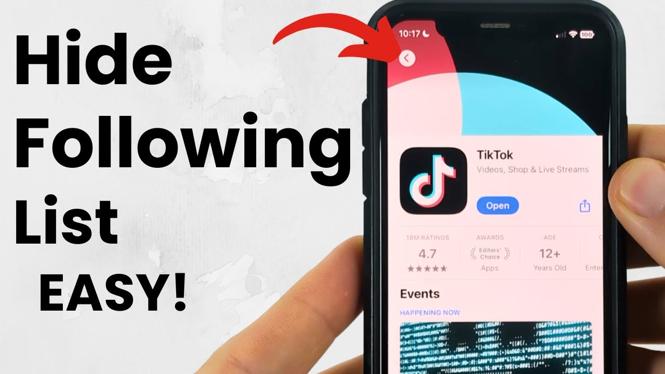
Hiding your following list on TikTok is a straightforward process. Follow these steps to make your TikTok following list private:
- Open the TikTok App: Launch TikTok on your device (iPhone, Android, or Samsung).
- Go to Your Profile: Tap on the ‘Profile’ icon located at the bottom right corner of the screen.
- Access Privacy Settings: Click on the three dots (or the three lines) in the top right corner to open the settings menu.
- Select Privacy Settings: Find and tap on the ‘Privacy’ option in the settings menu.
- Toggle Following List Visibility: Look for the option that says ‘Who can see your following list’ and set it to ‘Only Me’.
- Save and Exit: Make sure to save your changes before exiting the settings.
Video Tutorial
By following these simple steps, you can easily hide your following list on TikTok, allowing you to enjoy the platform with greater privacy and comfort. If you have any questions or need further assistance, feel free to leave a comment below!
More TikTok Tips & Tutorials:
 Subscribe Now! 🙂

Discover more from Gauging Gadgets
Subscribe to get the latest posts sent to your email.