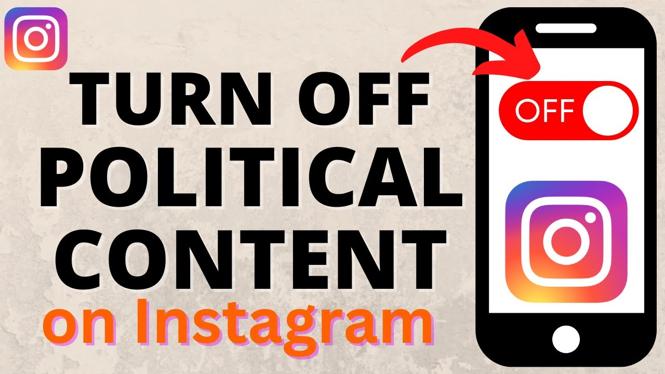
How to Turn OFF Political Content on Instagram
In today’s digital age, social media platforms like Instagram have become both a source of entertainment and, unfortunately, a source of constant political discourse. If you’ve found yourself scrolling through your Instagram feed and feeling overwhelmed by political content, you’re not alone. Many users are looking for ways to curate their social media experience and focus on the content that interests them most. Fortunately, Instagram offers tools that allow you to disable or limit political content in your feed. This tutorial will walk you through the steps to achieve a more enjoyable browsing experience.
Video Tutorial
Why You Might Be Looking for This Tutorial
There are numerous reasons why someone might want to turn off political content on Instagram. Perhaps you’ve noticed that your feed is cluttered with debates and discussions that don’t resonate with you, or you may want to create a more positive online environment for yourself. Many users seek to focus on hobbies, interests, or communities that inspire and uplift them rather than engage with the divisive nature of political discussions. This tutorial will help you navigate and adjust your settings for a more tailored and enjoyable Instagram experience.
Steps to Turn Off Political Content on Instagram
Step 1: Open Instagram Settings
First, open the Instagram app on your smartphone or tablet. Tap on your profile icon in the bottom right corner, then select the three horizontal lines in the top right corner to access the menu. From there, choose “Settings.”
Step 2: Navigate to Privacy
In the Settings menu, scroll down and tap on “Privacy.” This section contains various options to manage how you interact with content on Instagram.
Step 3: Adjust Your Ad Preferences
Under the Privacy section, look for “Ads.” Here, you can manage your ad preferences, including the types of ads you see. You may want to disable ads related to politics, which will help reduce political content in your feed.
Step 4: Limit Content from Suggested Accounts
While still in the Privacy menu, go to “Account Privacy” and consider switching your account to “Private.” This will limit who can follow you and see your content, which may help reduce political interactions.
Step 5: Hide Political Posts
If you come across a political post in your feed, you can tap the three dots in the top right corner of the post and select “Hide.” Instagram will remember this preference and may show you less political content in the future.
Step 6: Explore Content Preferences
Finally, take a moment to explore your “Explore” page settings. You can manage your suggestions based on your interests and activities. Engaging with non-political content like sports, art, or travel can help recalibrate the algorithm and show you more of what you love.
Conclusion
By following these steps, you can enjoy a cleaner Instagram feed free from political clutter. Whether it’s for your mental well-being or to enhance your social media experience, taking control of what you see can make a significant difference. Customize your Instagram settings today, and focus on the content that truly enriches your online experience.
More Instagram Tips & Tutorials:
 Subscribe Now! 🙂

Discover more from Gauging Gadgets
Subscribe to get the latest posts sent to your email.