How to Change Your Instagram Bio Font
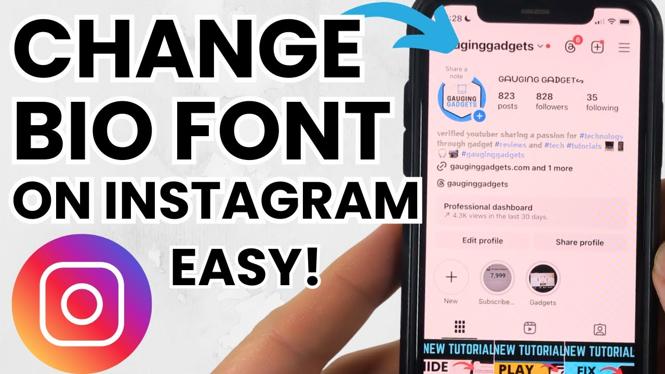
Your Instagram bio is one of the first things that people see when they visit your profile. It’s your chance to make a great first impression and convey who you are, what you do, and what makes you unique. One effective way to enhance your bio is by changing the font. In this blog post, we’ll walk you through how to customize your Instagram bio font to make your profile stand out, attract more followers, and leave a memorable mark.
Why You Might Be Looking for This Tutorial
Many Instagram users struggle with making their profiles visually appealing. A standard font can make your bio look plain and uninviting. By using different fonts and styles, you can add a touch of creativity and personality to your profile. Whether you’re a business trying to attract customers, an influencer looking to grow your audience, or just someone who wants a more personalized touch, changing your bio font can significantly enhance your overall presence on the platform. This tutorial will provide you with simple yet effective ways to jazz up your Instagram bio.
Steps to Change Your Instagram Bio Font
- Choose a Font Generator: Start by selecting a font generator tool online. There are several free tools available that allow you to choose different fonts and styles for your Instagram bio.
- Type Your Bio Content: Enter the text you want to use for your bio into the generator tool. The tool will instantly provide you with a variety of font options.
- Preview Your Options: Scroll through the generated fonts and styles. Choose one that complements your personality or brand aesthetic.
- Copy the Font: Once you’ve selected your preferred font, copy the generated text by clicking on the copy button or highlighting the text and using keyboard shortcuts.
- Paste into Instagram: Open your Instagram app and navigate to your profile. Tap ‘Edit Profile’ and paste your new text into the ‘Bio’ field.
- Save Changes: After pasting the new font, be sure to save your changes by tapping on the appropriate button. Your new bio font will now appear on your profile.
Video Tutorial
By following these steps, you’ll be able to give your Instagram bio a fresh look that can attract more attention. Remember that your bio is your digital storefront; make it as inviting and distinctive as possible to leave a lasting impression on visitors. Happy customizing!
More Instagram Tips & Tutorials:
 Subscribe Now! 🙂

Discover more from Gauging Gadgets
Subscribe to get the latest posts sent to your email.