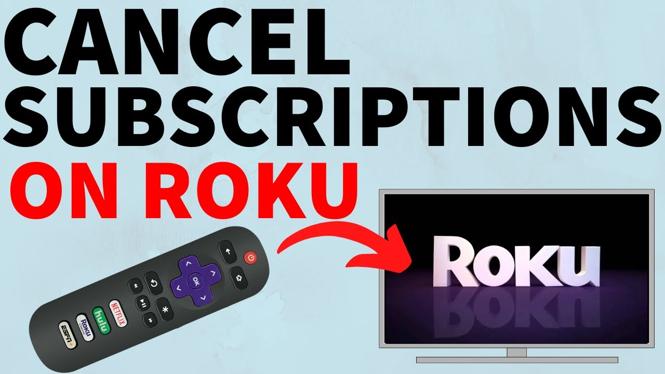
How to cancel subscriptions on Roku? In this tutorial, I show you how to cancel a subscription on your Roku. This means you can cancel free trials or end active subscriptions made with Roku Pay. This can also stop any new charges from Roku on your credit card.
Cancel Subscriptions on Roku (Video Tutorial):
Follow the steps below to cancel subscriptions on Roku:
- Move left from the home screen of your Roku to highlight a channel.
- Find the channel on your Roku that has an active subscription or free trial through Roku pay. You can do this by selecting the * on your Roku remote while a channel is highlighted.
- If in the menu you see Manage Subscription, that means it has an active subscription. Select manage subscription.
- Choose Cancel Subscription.
- Confirm you want to cancel the subscription.
More Roku Tips & Tutorials:
 Subscribe Now! 🙂
1
/
2


How to Turn Off Roku Screen Reader - Stop Roku Saying Everything on Screen
How to Make Roku Channel Tiles Bigger or Smaller - Roku TV
How to FIX All Roku TV Problems, Issues, or Not Working - Roku Hard Reset
TURN OFF THESE ROKU SETTINGS NOW! - Increase Privacy on Roku TV
How to Find Account on Roku TV - See Which Roku Account is Logged In on TV
How to Cancel Subscription on Roku TV - Turn Off Auto Renew on Roku
Best FREE Roku Channels to Watch Movies - 2026
How to Setup Roku Remote to Control TV - Step By Step
How to Remove For You & Quick Access from Roku Home Screen
How to Switch Back to Old Roku Home Screen - Show Just Channels
How to Remove Streaming Channels from Live TV on Roku TV
How to Cancel Subscriptions on Roku - Stop Roku Charging Credit Card
How to Watch Twitch on Roku - New Working Method 2022
How to Watch Twitch on Roku TV - Stream Twitch to Roku TV - New Method
How to Update the Firmware - TCL Roku TV Tutorial
1
/
2
Discover more from Gauging Gadgets
Subscribe to get the latest posts sent to your email.