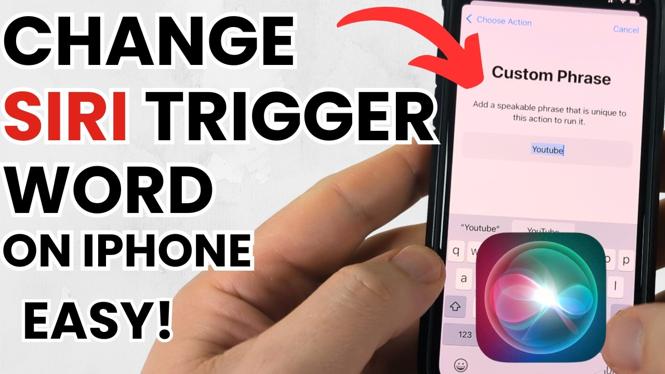
How to Change Siri Trigger Word on iPhone
If you’re looking to customize your iPhone experience, changing the Siri trigger word can be one of the most effective ways to do so. With advancements in iOS, Apple has introduced new features that allow users to switch between the traditional “Hey Siri” command and simply “Siri.” This tutorial will guide you through the steps to make these adjustments on your iPhone in 2025. Whether you’re looking to speed up your interaction with Siri or simply want a more personalized activation command, you’re in the right place.
Video Tutorial
Why You Might Be Looking for This Tutorial
There are several reasons why you might want to change the Siri trigger word on your iPhone:
- Personalization: Customize Siri to respond in a way that feels more personal to you.
- Convenience: You may find one trigger word to be quicker and more convenient than another.
- Accessibility: Making Siri easier to activate can enhance your overall user experience, especially for those with disabilities.
- New Features: With regular iOS updates, new options become available that might better suit your preferences.
Steps to Change Siri Trigger Word on iPhone
- Open Settings: Start by tapping on the Settings app on your iPhone’s home screen.
- Select Siri & Search: Scroll down and select “Siri & Search” from the list of options.
- Find Listen for: Within the Siri & Search settings, look for the option labeled “Listen for.” This is where you can adjust your trigger word settings.
- Choose Your Preferred Trigger Word: Depending on the latest iOS version, you might have options such as “Hey Siri,” “Siri,” or even custom phrases. Choose the one that best fits your needs.
- Test the New Settings: After you’ve made your selection, press the Home button or swipe up on older models to return to the home screen. Test out the new trigger word to see if Siri responds appropriately.
- Adjust Additional Settings: You can also customize other Siri settings in this menu, such as voice feedback or which apps Siri can access.
By following these steps, you can easily tailor Siri’s activation method to fit your preferences, enhancing your iPhone experience. No matter which option you choose, having the ability to call on Siri in a way that feels unique to you can make using your device much more enjoyable.
More iPhone Tutorials:
 Subscribe Now! 🙂

Discover more from Gauging Gadgets
Subscribe to get the latest posts sent to your email.