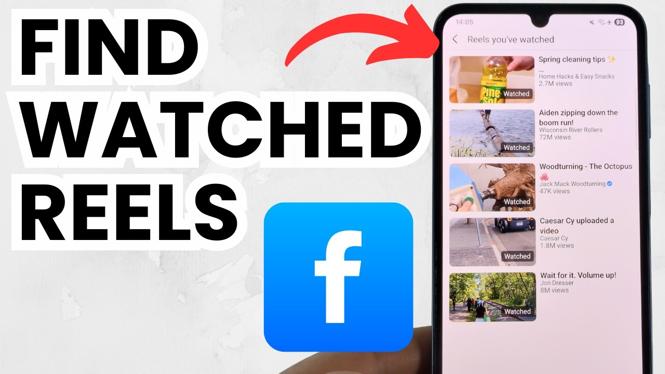
How to Find Reels You’ve Watched on Facebook
In the age of social media, scrolling through Facebook can lead to countless entertaining and informative Reels. However, there may come a time when you want to revisit a particular Reel you watched previously. Whether it was a funny moment or a helpful tip, Facebook provides a way for you to track down these videos. In this tutorial, we will guide you through the simple steps to find the Reels you’ve watched on the Facebook app for both iPhone and Android devices.
Video Tutorial
For a visual guide, check out the video tutorial below:
Why You Might Be Looking for This Tutorial
There are numerous reasons why you may want to find Reels you’ve previously watched on Facebook. Perhaps you stumbled upon a particular video that resonated with you, and you wish to share it with a friend. Alternatively, you may have found a helpful tutorial on a subject you want to review again. With the continuous pace of content on social media, it can be difficult to remember the specifics of what you’ve seen. This guide will save you the hassle of aimlessly scrolling through your feed, allowing you to be more efficient in locating your favorite Reels.
Steps to Find Your Watched Reels on Facebook
- Open the Facebook App: Start by launching the Facebook app on your iPhone or Android device.
- Access the Menu: Tap on the three horizontal lines (menu icon) at the top right corner for Android or bottom right corner for iPhone.
- Go to Your Profile: Select your profile at the top of the menu to access your personal page.
- Find the ‘Reels’ Section: Scroll down your profile until you see the ‘Reels’ section, and tap on it.
- Review Watch History: Within the Reels section, look for an option that allows you to view your watch history or collected Reels. Here, you will find a list of all the Reels you have previously watched.
- Rewatch or Share: Once you find the Reel, tap on it to watch again or share it with your friends.
Conclusion
Finding Reels you’ve watched on Facebook doesn’t have to be a challenging endeavor. By following these simple steps, you can easily access your watch history and enjoy all the content you’ve loved in the past. Whether you’re looking to rewatch an engaging clip or want to retrieve a useful video, knowing how to navigate your Reels history on Facebook is a valuable skill. Happy searching!
More Facebook Tips & Tutorials:
 Subscribe Now! 🙂

Discover more from Gauging Gadgets
Subscribe to get the latest posts sent to your email.