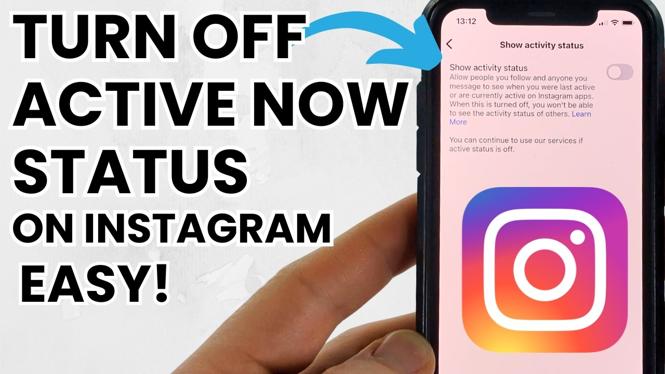
How to Turn Off Active Online Status on Instagram
Instagram is a popular platform for sharing photos, connecting with friends, and engaging with content. However, many users value their privacy and prefer to browse or communicate without revealing their online status or when they were last active. This tutorial will guide you through the steps to turn off your active online status on Instagram, allowing you to explore the app privately on devices such as iPhone 17, iPhone 16, Samsung Galaxy S25, S24, Google Pixel, and other Android smartphones.
Video Tutorial
Why You Might Be Looking for This Tutorial
There are several reasons you might want to turn off your active online status on Instagram:
- Privacy Concerns: Many users prefer to keep their online activity private and may not want others to know when they are using the app.
- Reduced Pressure: By disabling your online status, you may feel less pressure to respond to messages immediately when you are active.
- Focus on Content: Turning off your active status allows you to browse content on Instagram without distractions or interruptions from notifications regarding your online activity.
Steps to Turn Off Active Online Status on Instagram
For iPhone Users
- Open the Instagram app on your iPhone.
- Tap on your profile icon located in the bottom right corner.
- Tap on the three horizontal lines in the top right corner to open the menu.
- Select Settings at the bottom of the menu.
- Tap on Privacy.
- Scroll down and find Activity Status.
- Toggle the switch off to disable showing your active status.
For Android Users
- Launch the Instagram app on your Android device.
- Go to your profile by tapping your profile picture in the bottom right corner.
- Tap the three horizontal lines in the top right corner.
- Choose Settings from the list that appears.
- Select Privacy.
- Locate the Activity Status option.
- Turn off the toggle to prevent others from seeing when you are active.
Conclusion
By following this straightforward guide, you can easily manage your online presence on Instagram and enjoy a more private browsing experience. Whether you are concerned about your privacy, looking to reduce pressure from immediate messaging, or simply wanting to focus on content creation, turning off your active online status is a practical solution. Ensure you stay connected while maintaining the privacy you deserve!
More Instagram Tutorials:
 Subscribe Now! 🙂

Discover more from Gauging Gadgets
Subscribe to get the latest posts sent to your email.