How to Remove Repost on TikTok
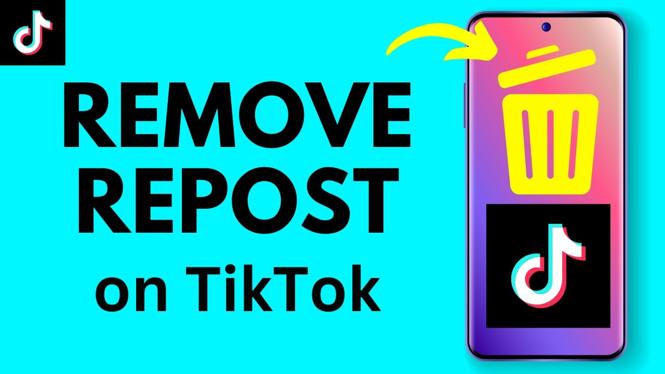
In the ever-evolving world of social media, TikTok offers a platform for creativity and self-expression. However, with the ease of reposting, your profile may become cluttered with content you no longer wish to showcase. In this guide, we will walk you through the steps to remove reposts on TikTok, allowing you to clean up your profile effortlessly. Whether you have changed your mind about a reposted video or simply want to maintain a curated collection of your content, this tutorial will provide everything you need to know.
Video Tutorial
Why You Might Be Looking for This Tutorial
As TikTok continues to grow, users may find themselves reposting videos that no longer align with their current interests or aesthetic. Reasons for wanting to remove reposts can vary widely:
- Personal Branding: If you’re focusing on a specific theme or message, reposts that differ can confuse your audience.
- Profile Cleanup: Regularly updating your TikTok profile is essential for maintaining engagement and relevance.
- Privacy Concerns: You may wish to manage what appears on your public profile, especially if it involves content that no longer represents you.
- Decluttering: Just like a closet, a social media profile can get cluttered, and removing reposts is a way to refresh your online presence.
Steps to Remove a Repost on TikTok
Follow these simple steps to successfully remove a repost from your TikTok profile:
- Open the TikTok App: Ensure you are logged into your account.
- Go to Your Profile: Click on the “Profile” icon located at the bottom-right of the screen.
- Select the Reposted Video: Scroll through your posted content to find the video you wish to remove.
- Click on the Three Dots: Tap on the three dots icon (•••) located at the bottom right corner of the video.
- Choose ‘Remove from Profile’: From the options that appear, select ‘Remove from Profile’ to delete the repost from your feed.
- Confirm the Action: Confirm that you want to remove the repost to complete the process.
By following these steps, you can successfully remove unwanted reposts from your TikTok profile.
Conclusion
Managing your TikTok profile is essential for presenting the best version of yourself to your audience. Removing reposts helps you maintain the integrity of your content and presents a more authentic representation of your interests. With the steps outlined above, you can easily clean up your profile and ensure that every video reflects who you are today. Consider revisiting this tutorial every so often to keep your presence on TikTok polished and engaging.
More TikTok Tips & Tutorials:
 Subscribe Now! 🙂

Discover more from Gauging Gadgets
Subscribe to get the latest posts sent to your email.