How to Make Gamepass on Roblox
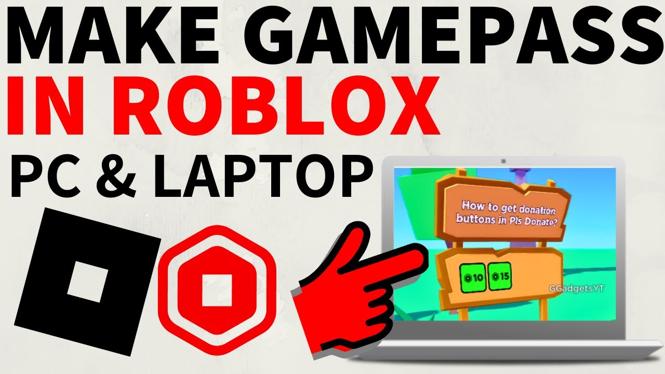
Creating a Gamepass on Roblox allows you to enhance your games and generate revenue by offering special privileges or features to players who purchase them. This tutorial provides an updated step-by-step guide on how to create and sell a Gamepass in Roblox, catering to both novice and experienced developers. With Roblox’s frequent updates, it is essential to stay informed about the latest interface changes, ensuring your Gamepass is set up correctly for maximum earnings.
Video Tutorial
Why You Might Be Looking for This Tutorial
If you’re a Roblox developer or aspiring game creator, you may be interested in learning how to create Gamepasses for several reasons:
- Enhance Player Experience: By offering unique Gamepasses, you can provide players with exclusive features, making your game more engaging.
- Increase Earnings: Selling Gamepasses is a great way to earn Robux, Roblox’s in-game currency, which can be exchanged for real money.
- Navigate Interface Changes: Roblox frequently updates its Creator Hub, and being knowledgeable about the new interface helps avoid confusion and enhances productivity.
- Stay Competitive: Many games on Roblox use Gamepasses to attract players, so knowing how to create them can help your game stay relevant and appealing.
Steps to Create a Gamepass on Roblox
- Log into Roblox: Start by logging into your Roblox account on your PC, Mac, iPad, Laptop, or Chromebook.
- Access the Creator Hub: Navigate to the Creator Hub from the Roblox homepage. Locate the ‘My Creations’ section.
- Select the Game: Choose the game for which you want to create a Gamepass from your list of published games.
- Create Gamepass: Click on the ‘Game Passes’ tab. Here, you will find an option to create a new Gamepass.
- Fill in Gamepass Details: Enter a name and description for your Gamepass. Make it catchy and informative so players understand the value it offers.
- Upload an Image: Choose an image that represents your Gamepass. This image will help attract potential buyers.
- Set Pricing: Decide on the price of your Gamepass. Consider checking the prices of similar Gamepasses to stay competitive.
- Save and Publish: Once you’ve filled in all the details, click the ‘Preview’ button to review your Gamepass. If everything looks good, click ‘Save’ to publish it.
- Promote Your Gamepass: Use social media, forums, or within your game to promote your new Gamepass. The more visibility it gets, the more likely players will purchase it.
By following these steps, you will have successfully created a Gamepass on Roblox, ready to be sold to players and enhance their gaming experience. Remember to keep an eye on player feedback and trends to refine your Gamepasses and maximize your earnings.
More Roblox Tips & Tutorials:
 Subscribe Now! 🙂

Discover more from Gauging Gadgets
Subscribe to get the latest posts sent to your email.