How to Unhide Apps on iPhone
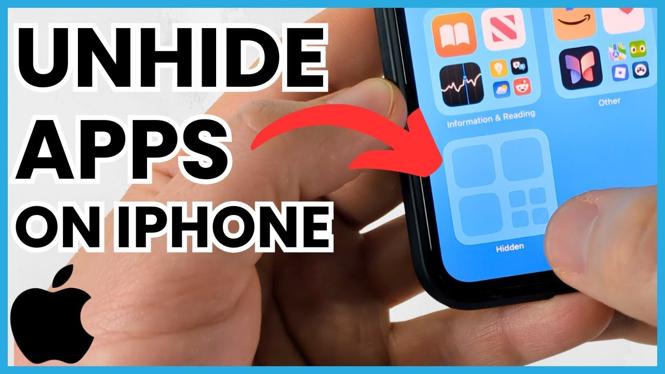
Have you ever accidentally hidden an app on your iPhone and struggled to find it again? If so, you’re not alone. Many iPhone users may find themselves in the same predicament after organizing their home screens or adjusting settings. Thankfully, unhiding apps on your iPhone is a straightforward process. In this blog post, we will explore why you might want to unhide apps and guide you through the necessary steps to locate and restore your hidden applications.
Video Tutorial
Why You Might Be Looking for This Tutorial
There are several reasons why you might want to unhide apps on your iPhone:
- Accidental Hiding: Sometimes, while tidying up your home screen, you may unintentionally hide an app.
- App Organization: Organizing apps into folders can lead to hiding them, making it hard to find later.
- Privacy Reasons: You might have hidden certain apps for privacy purposes but now need to access them again.
- Device Management: If you manage multiple devices, knowing how to unhide apps can help keep your apps accessible.
Steps to Unhide Apps on iPhone
Follow these simple steps to unhide your apps:
- Check the App Library: Swipe left on your home screen until you reach the App Library. Here, all your apps are organized neatly, and you might find the hidden app there.
- Search Function: Use the search bar at the top of the App Library. Type the name of the app to locate it quickly.
- Check Restrictions: Go to Settings > Screen Time > Content & Privacy Restrictions. Ensure that the app isn’t restricted from being displayed.
- Reinstall the App: If an app remains hidden, consider deleting and reinstalling it from the App Store to restore it to your device.
- Reset Home Screen Layout: If you still can’t find the app, go to Settings > General > Transfer or Reset iPhone > Reset > Reset Home Screen Layout. This will return your home screen to its original layout.
By following these steps, you can easily locate and unhide any apps that may have been hidden on your iPhone. Having all your apps at your fingertips enhances your overall user experience, allowing you to make the most of your device.
More iPhone Tips & Tutorials:
 Subscribe Now! 🙂

Discover more from Gauging Gadgets
Subscribe to get the latest posts sent to your email.