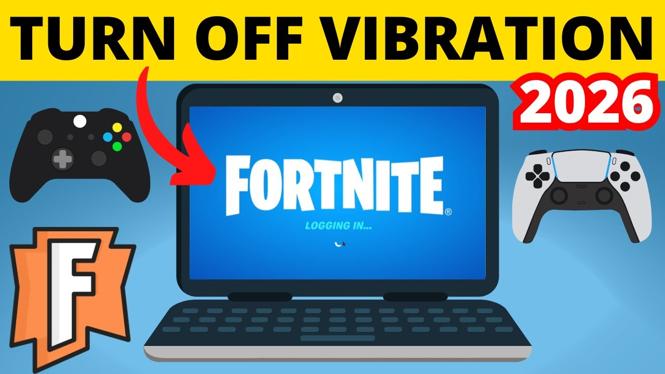
How to Turn Off Controller Vibration on Fortnite
Fortnite is a popular battle royale game that requires precision and focus to excel. One aspect that can be distracting for many players is the controller vibration, which can interfere with aiming and overall gameplay. If you’re looking to enhance your gaming experience by disabling the haptic feedback on your controller, this tutorial will guide you through the process of turning off controller vibration in Fortnite.
Video Tutorial
Why You Might Be Looking for This Tutorial
There are several reasons why you might want to turn off controller vibration in Fortnite:
- Reduce Distractions: Vibration can often be a distraction, especially during intense moments in the game. Disabling it can help you focus better on your gameplay.
- Improve Aim: Haptic feedback can throw off your aim, particularly when trying to line up shots. Without vibration, many players find they can aim more accurately.
- Save Battery Life: If you’re using a wireless controller, turning off vibration can extend battery life, allowing you to play for longer without interruptions.
Steps to Turn Off Controller Vibration on Fortnite
Follow these simple steps to disable controller vibration in Fortnite:
- Launch Fortnite: Open the Fortnite game on your console or PC.
- Access Settings: From the main menu, navigate to the “Settings” option, usually represented by a gear icon.
- Go to the Controller Settings: In the Settings menu, switch to the “Controller” tab.
- Disable Vibration: Locate the option for “Vibration” or “Haptic Feedback” and toggle it off.
- Save Changes: Make sure to save your settings before exiting the menu.
By following these straightforward steps, you’ll be able to enjoy a more comfortable and focused gaming experience in Fortnite without the distractions caused by controller vibration. Whether you’re playing competitively or just for fun, a smoother gameplay experience can lead to better performances and more enjoyable sessions.
More Fortnite Tips & Tutorials:
 Subscribe Now! 🙂

Discover more from Gauging Gadgets
Subscribe to get the latest posts sent to your email.