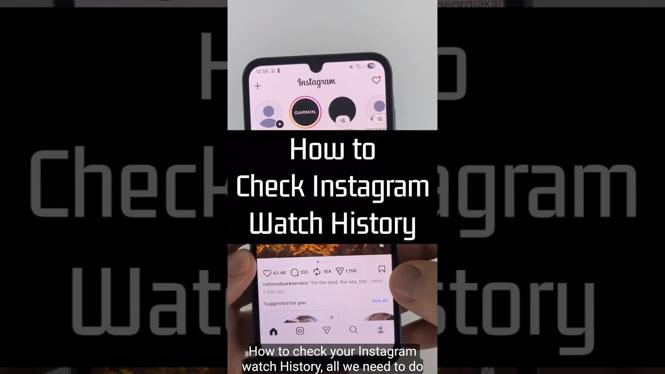
How to Check Instagram Watch History
In today’s fast-paced digital world, keeping track of the content we consume on social media platforms like Instagram has become essential. Many users find themselves scrolling through their feeds, trying to remember the intriguing videos or Reels they previously watched. Fortunately, Instagram offers a straightforward way to check your watch history. In this tutorial, we will guide you step-by-step on how to access your recently watched videos, ensuring you can easily revisit any content that piqued your interest without endless scrolling.
Video Tutorial
Why You Might Be Looking for This Tutorial
There are several reasons why you might want to check your Instagram watch history:
- Discovering Lost Content: You may have seen a video that you loved and want to find it again without having to remember hashtags or account names.
- Content Management: As a content creator or social media manager, reviewing your watch history can help you understand trends or themes that resonate with your audience.
- Engagement Improvement: By revisiting videos that caught your eye, you can refine your content engagement strategy and find inspiration for future posts.
Steps to Check Your Instagram Watch History
- Open the Instagram App: Launch the Instagram app on your mobile device and log into your account if you haven’t already.
- Navigate to Your Profile: Tap on your profile icon located in the bottom right corner of the screen.
- Access Settings: Click on the three horizontal lines in the top right corner to open the menu, then select ‘Settings.’
- Go to Your Activity: In the Settings menu, find and tap on ‘Your Activity.’ This section contains all your recent interactions on Instagram, including watch history.
- Select ‘Interactions’: Under ‘Your Activity,’ find and select ‘Interactions’ and then tap on ‘Videos You’ve Watched.’ Here, you’ll see a list of videos and Reels you’ve recently viewed.
- Revisit Videos: Scroll through your watch history and tap on any video or Reel to revisit the content that caught your attention.
By following these simple steps, you can easily navigate Instagram’s features to not only check your watch history but also enhance your social media experience.
More Instagram Tips & Tutorials:
 Subscribe Now! 🙂

Discover more from Gauging Gadgets
Subscribe to get the latest posts sent to your email.