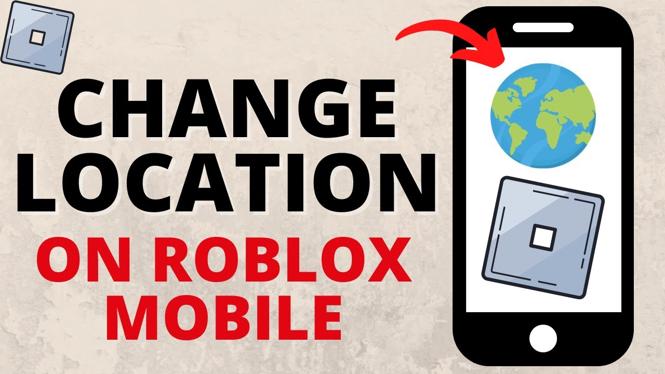
How to Change Location in Roblox Mobile
Are you looking to change your location on Roblox Mobile? Whether you want to access region-specific games, connect with friends in different countries, or simply update your account information, changing your Roblox account location is an important step. This guide will help you navigate the process efficiently.
Why You Might Be Looking for This Tutorial
Roblox is a global platform that connects millions of players from various regions. However, certain games and experiences may be limited based on your account’s country settings. If you’re traveling or have moved to a new location, it’s essential to update your Roblox account to ensure you have access to all the features and games available to you in your current region. Additionally, some players might be looking to change their location to enjoy region-exclusive content or connect with friends who are in different countries.
Steps to Change Location in Roblox Mobile
- Open Roblox App: Launch the Roblox app on your mobile device (iPhone, Android, or Samsung).
- Access Settings: Tap on the three dots icon or the “More” button, usually located in the lower-right corner of the screen.
- Go to Account Settings: Find the “Settings” option in the menu.
- Submit a Support Ticket: Since changing your account location isn’t a direct option, scroll to find the “Help” section. From there, submit a support ticket to Roblox, specifying your new desired location.
- Wait for Confirmation: Roblox support will review your request, and you should receive an email or notification confirming your account location change.
Once your request is approved, you will be able to enjoy all the benefits of your new location on Roblox.
Video Tutorial
For a step-by-step visual guide, check out the video tutorial below:
If you have any questions or need further assistance while changing your location on Roblox Mobile, feel free to leave your comments below, and I will be happy to help!
More Roblox Tips & Tutorials:
 Subscribe Now! 🙂

Discover more from Gauging Gadgets
Subscribe to get the latest posts sent to your email.