How to Download Fortnite on iPhone
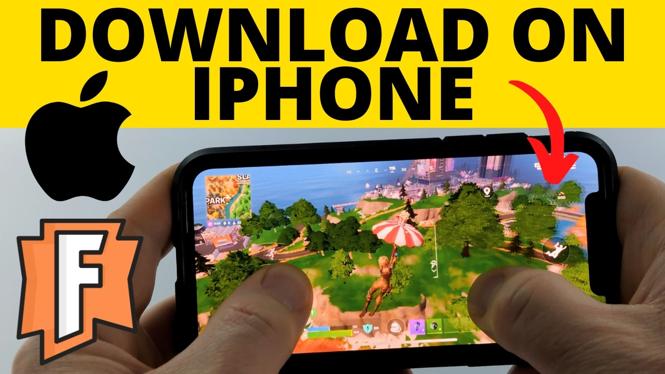
If you’re looking to join the millions of players enjoying Fortnite, you may be wondering how to download the game on your iPhone. Whether you have the latest model like the iPhone 16 or 17, or an older device running the latest iOS, this tutorial will guide you through the steps to get Fortnite on your iOS device for free. With Fortnite, you can dive into the thrilling world of Battle Royale right from your phone and compete with friends or players worldwide.
Video Tutorial
Why You Might Be Looking for This Tutorial
Fortnite has become one of the most popular games across the globe, offering an engaging multiplayer experience. As of 2026, many new iPhone users or even seasoned players might find themselves searching for how to download Fortnite due to several reasons:
- Access on the Go: With the ability to play on mobile devices, players can enjoy Fortnite anywhere, anytime.
- Latest Devices Compatibility: New iPhones often come with enhanced capabilities, making them ideal for gaming.
- User-Friendly Install: This guide simplifies the downloading process for users who are unfamiliar with mobile gaming downloads.
- Stay Updated: As game updates are frequently released, this tutorial ensures players have the latest information for their devices.
Steps to Download Fortnite on iPhone
Follow these step-by-step instructions to download Fortnite to your iPhone:
- Check Device Compatibility: Ensure your iPhone is running the latest version of iOS. This is crucial for optimal performance.
- Open the App Store: Launch the App Store app on your iPhone.
- Search for Fortnite: Use the search bar to type “Fortnite” and hit enter.
- Download the Game: Locate the official Fortnite game from Epic Games and tap the “Get” button to begin downloading.
- Install the Game: Once the download completes, the installation should automatically start. Wait for it to finish.
- Open Fortnite: After installation, you’ll see the Fortnite icon on your home screen. Tap it to launch the game.
- Sign Up or Log In: If you’re new to Fortnite, you’ll need to create an account. If you already have one, simply log in.
Now you’re ready to jump into the action! Enjoy playing Fortnite on your iPhone and connect with friends or compete against players worldwide. Follow this guide any time you need to reinstall the game or help others join the Fortnite community.
More Fortnite Tips & Tutorials:
 Subscribe Now! 🙂

Discover more from Gauging Gadgets
Subscribe to get the latest posts sent to your email.